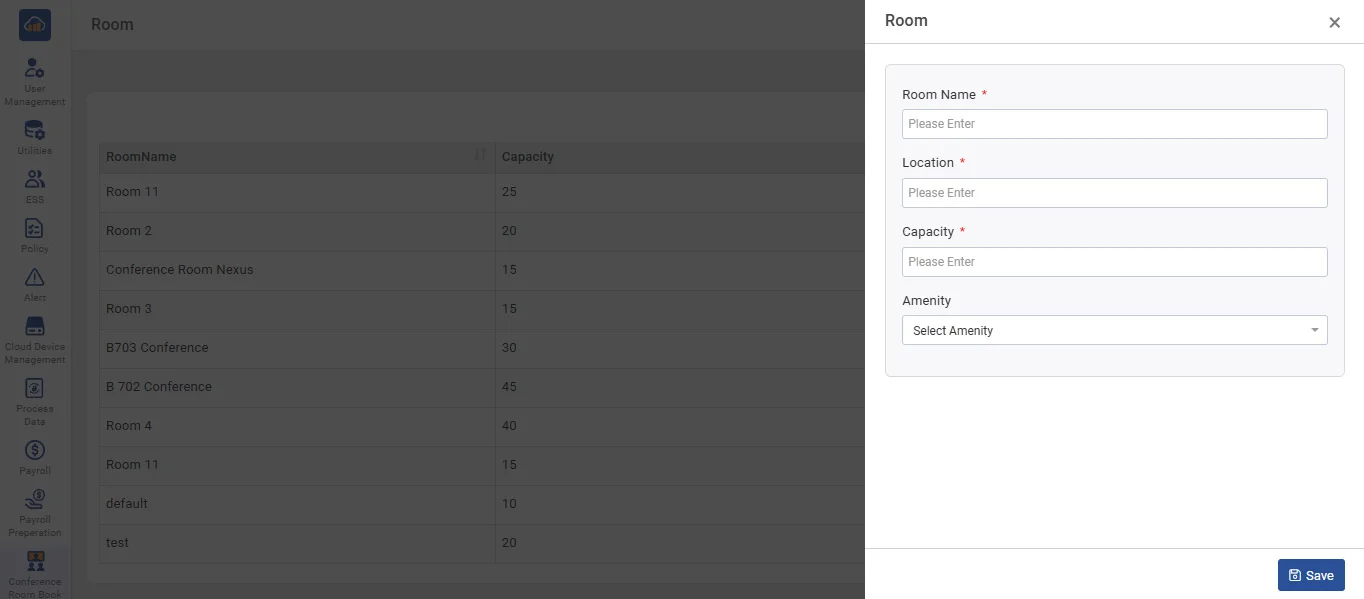
• To add new Amenity click on + Add Room button.
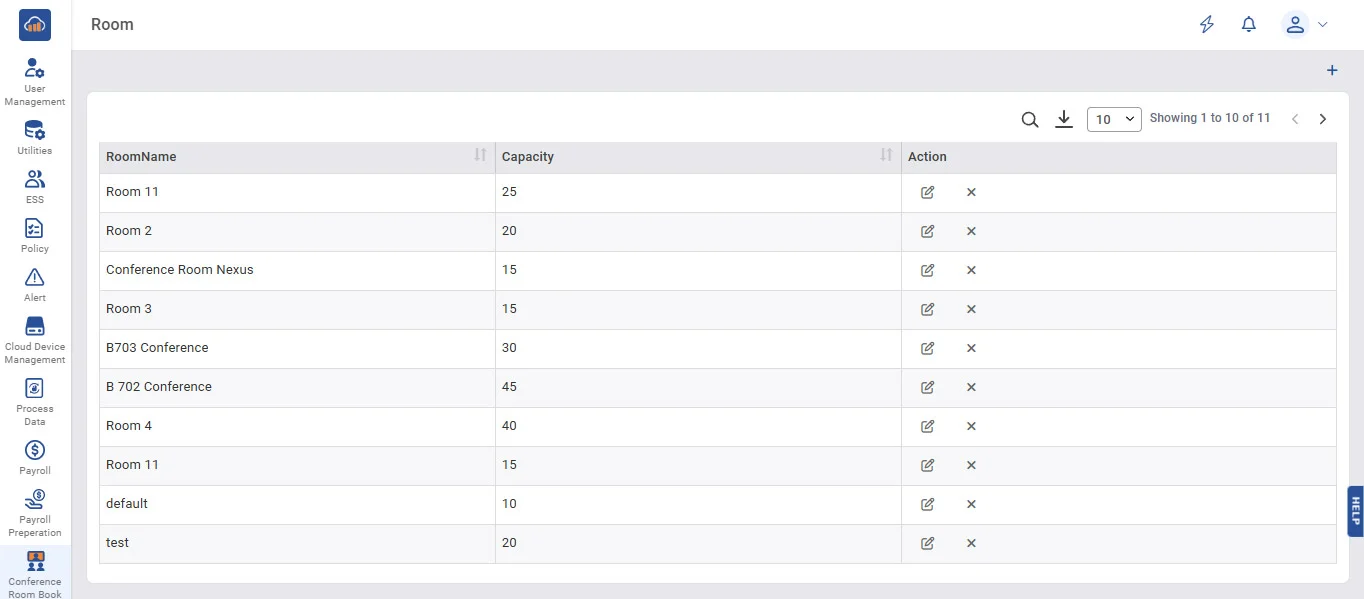
• The Room page displays the list of all available conference rooms along with their seating capacity (e.g., Room 11 - 25, B702 Conference - 45, Default - 10, etc.).
• From this page, the admin can add, edit, or Inactive room details as required.
• While booking, users can view the room name and capacity to select a suitable conference room based on the number of attendees.