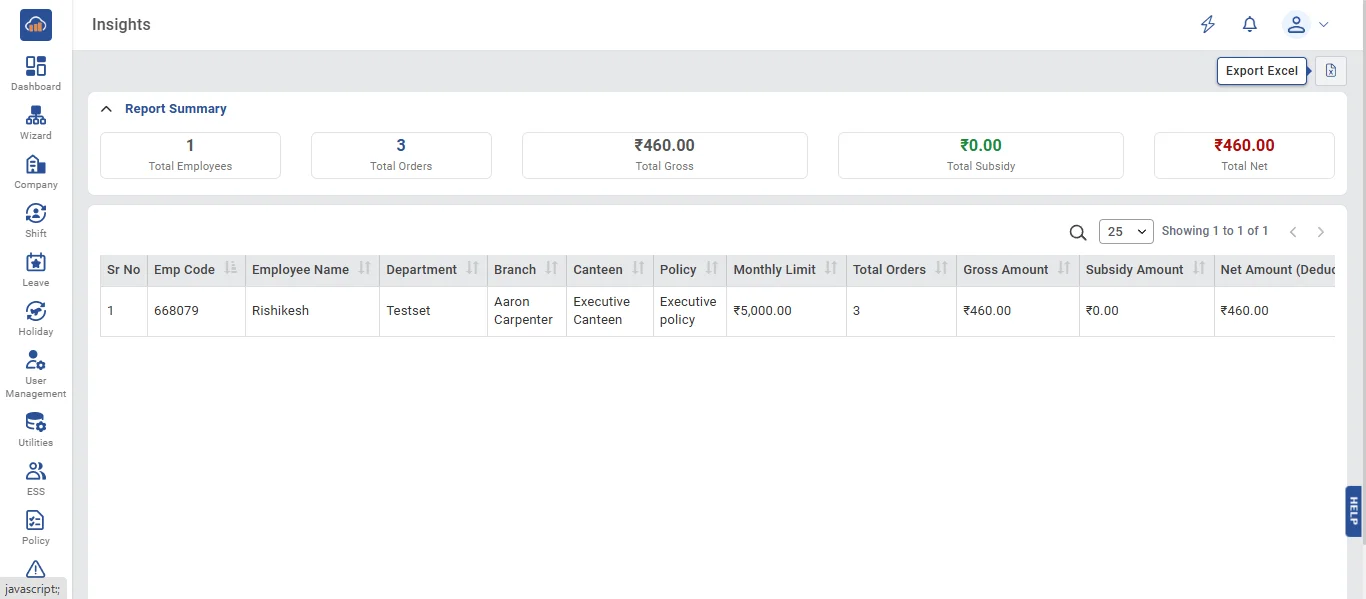
• The Insights module provides a Salary Deduction Report that summarizes canteen meal expenses for payroll processing. It supports two report modes: Employee Report (showing salary deductions per employee with subsidy breakdown) and Guest Report (showing guest order expenses per guest). Reports support server-side search, sorting, pagination, and can be exported to CSV or Excel with the applied search filters preserved. All admin roles can access reports; employees are restricted.
• The following page gets open when one selects "Salary Deduction Report" from the top navigation tabs. It displays:
Report Summary (collapsible accordion) at the top:
- Total Employees (or Guests) count
- Total Orders count
- Total Gross (₹)
- Total Subsidy (₹) - shown only for Employee report
- Total Net (₹)
Report DataTable - columns change based on Order Type:
Employee Report columns:
- Sr No, Emp Code, Employee Name, Department, Branch, Canteen, Policy, Monthly Limit (or "Unlimited"), Total Orders, Gross Amount, Subsidy Amount, Net Amount (Deduction), Usage %
Guest Report columns:
- Sr No, Guest Name, Host Employee, Host Emp Code, Canteen, Total Orders, Gross Amount, Net Amount
The DataTable includes server-side search - type in the search box to filter results by employee name, code, guest name, or host employee. Search is performed server-side for accurate results across all pages.
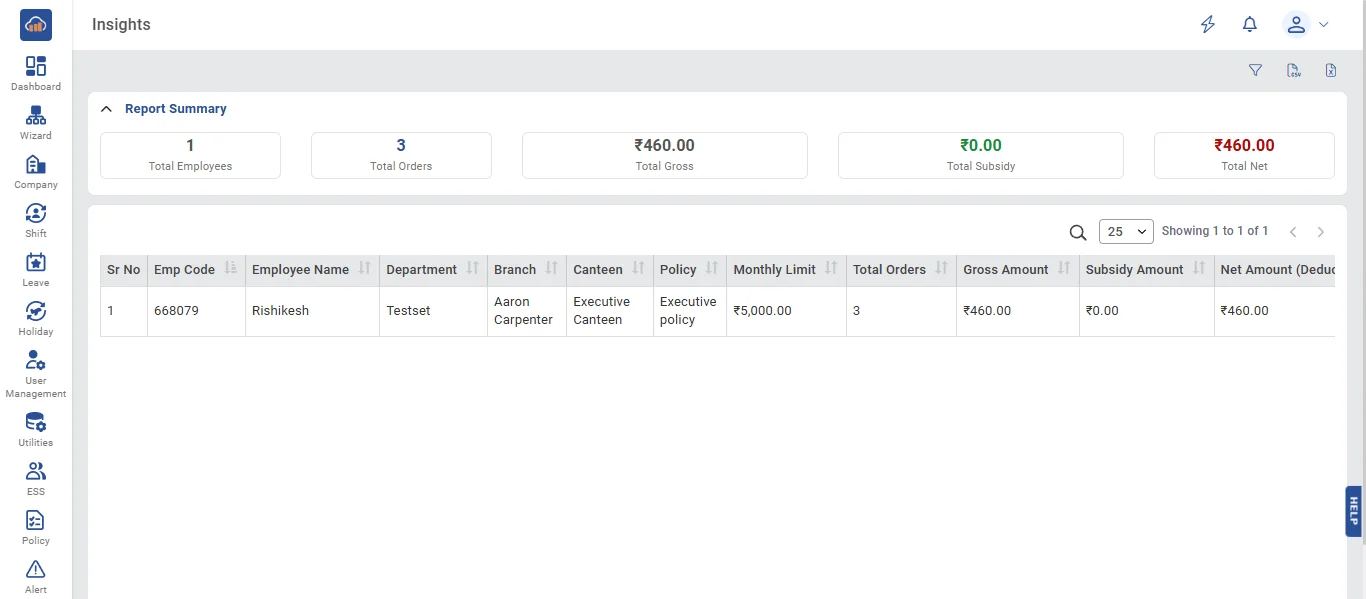
• The "Filters" panel on the right provides role-dependent filters:
- From Date * (required, defaults to 1st of current month)
- To Date * (required, defaults to today. Must be after From Date)
- Canteen dropdown
- Company (Super Admin only)
- Branch (multi-select, for Super Admin and Company Admin)
- Department (multi-select, for Super Admin, Company Admin, and Branch Admin)
- Order Type (Employee / Guest) - switching to Guest shows a note: "Company, Branch, and Department filters apply to the Host Employee"
Click "Search" to load the report. Click "Clear" to reset all filters.
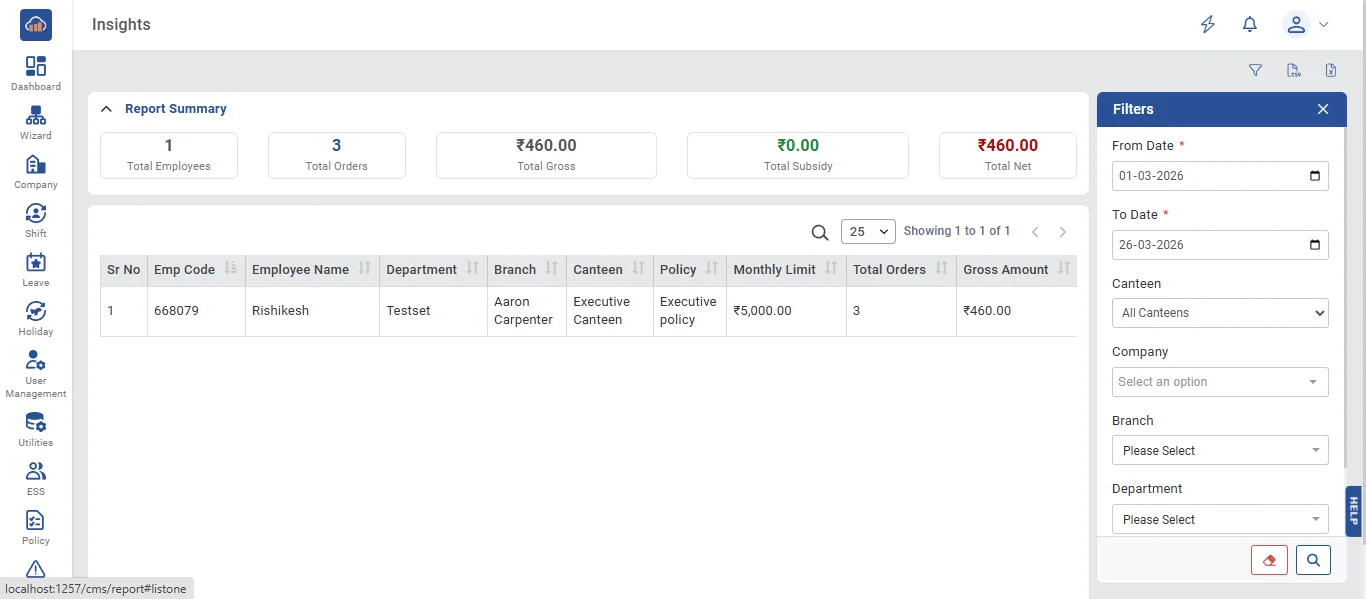
• Two export options are available at the top:
- Export CSV button (CSV icon) - Generates a client-side CSV file download
- Export Excel button (Excel icon) - Generates a server-side Excel file (.xlsx)
Important: Both export options respect the current DataTable search filter. Only the filtered/searched data is exported, not all data. This ensures the exported file matches what the user sees on screen. Both formats include a totals row at the bottom.
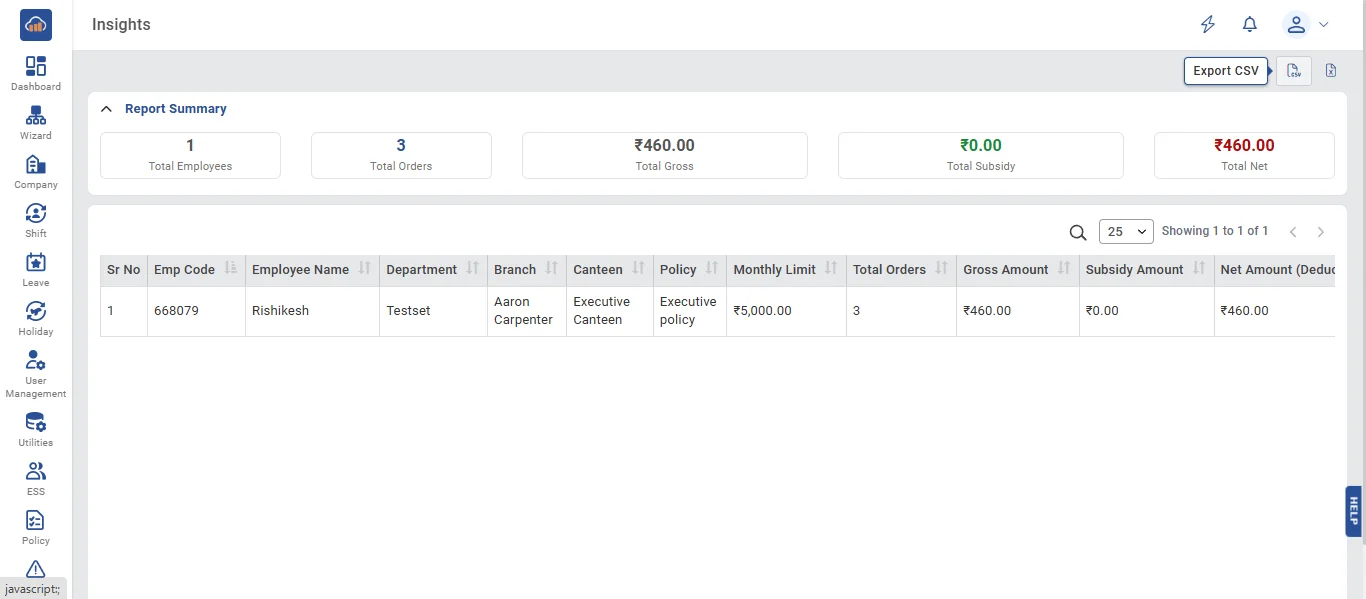
• After clicking an export option, the file downloads automatically. The filename includes the date range (e.g., "CMS_Salary_Deduction_2026-03-01_to_2026-03-27.csv" or .xlsx). The exported data can be used directly for payroll deduction processing.