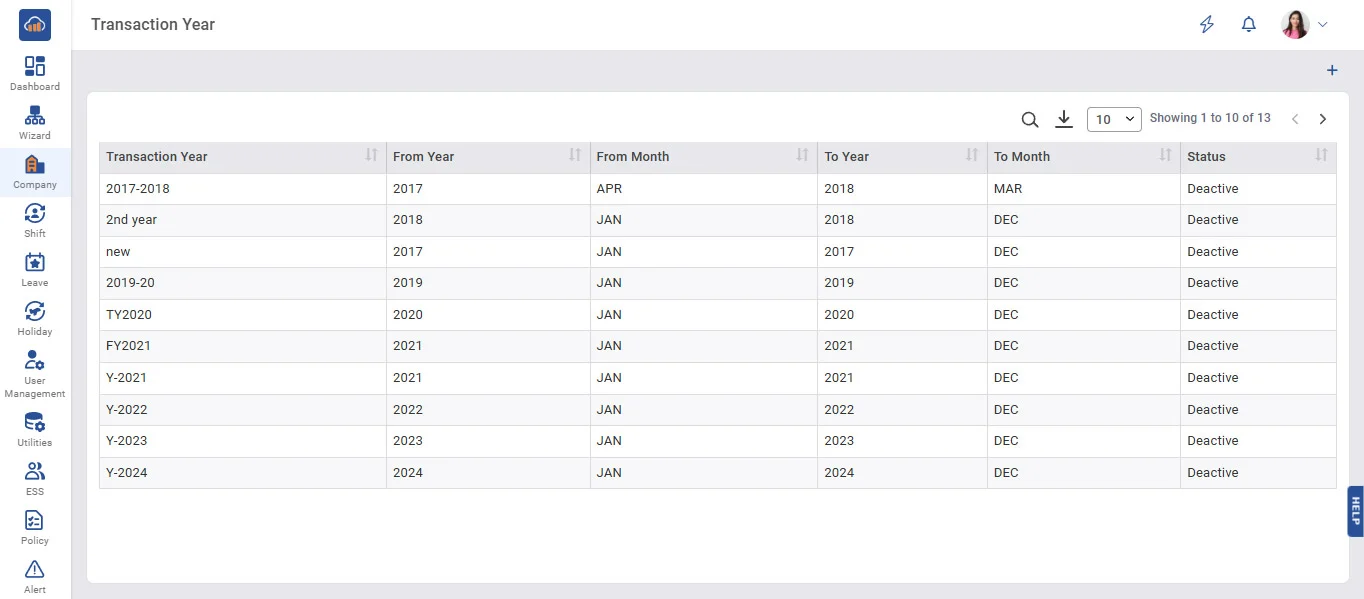
Above image shows view of transaction year master
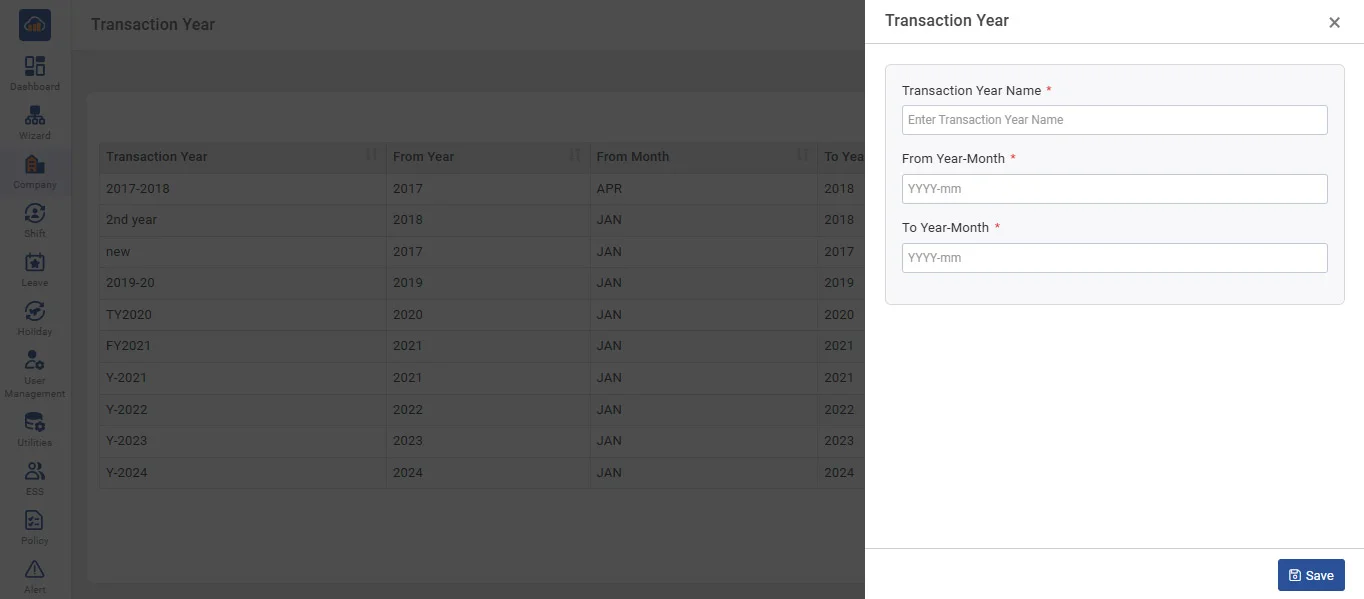
Above image shows when you click on add trasaction year
• Save Transaction Period in Transaction Master.
• To add new Transaction,click on '+Add Transaction Year, Select Transaction “From Year Month”, “To Year-Month” and then click 'Save'.
• If new Transaction Year is added then it will be Active and Previous Year will be Inactive.
• Transaction year is mandatory field to create and maintain leave. Leave balance add will be valid for that particular transaction year only.
• If you want to carry that leave balance to next transaction year you need to create new transaction year.