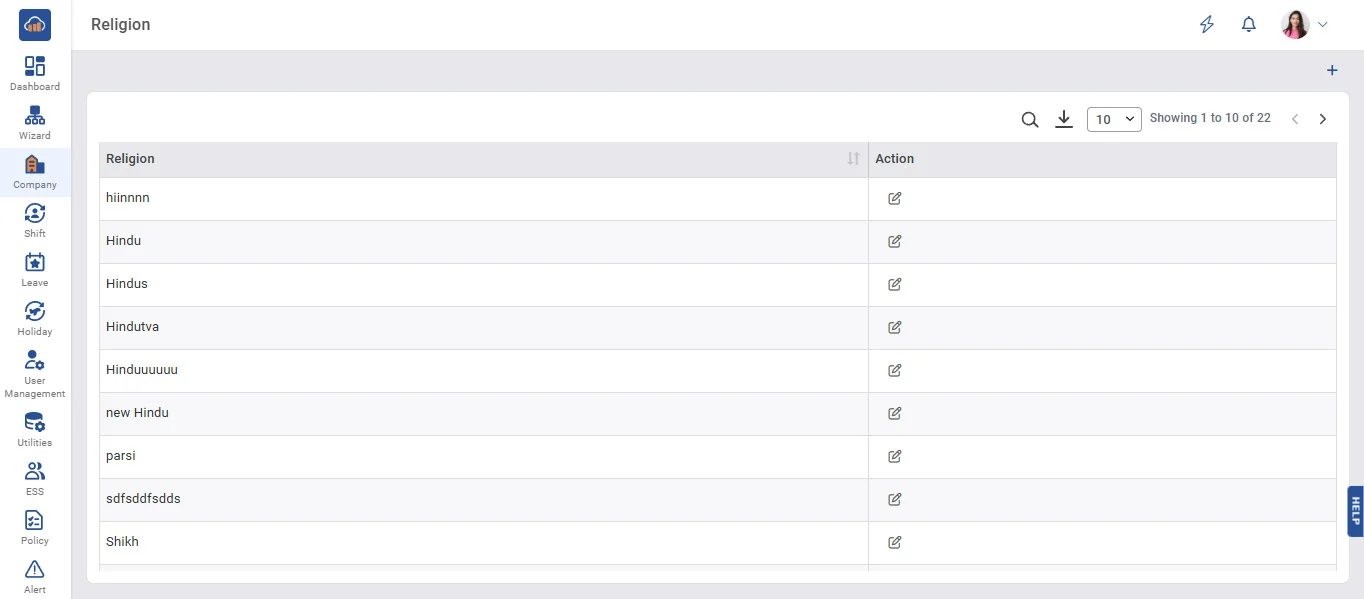
Above image shows religion master view.
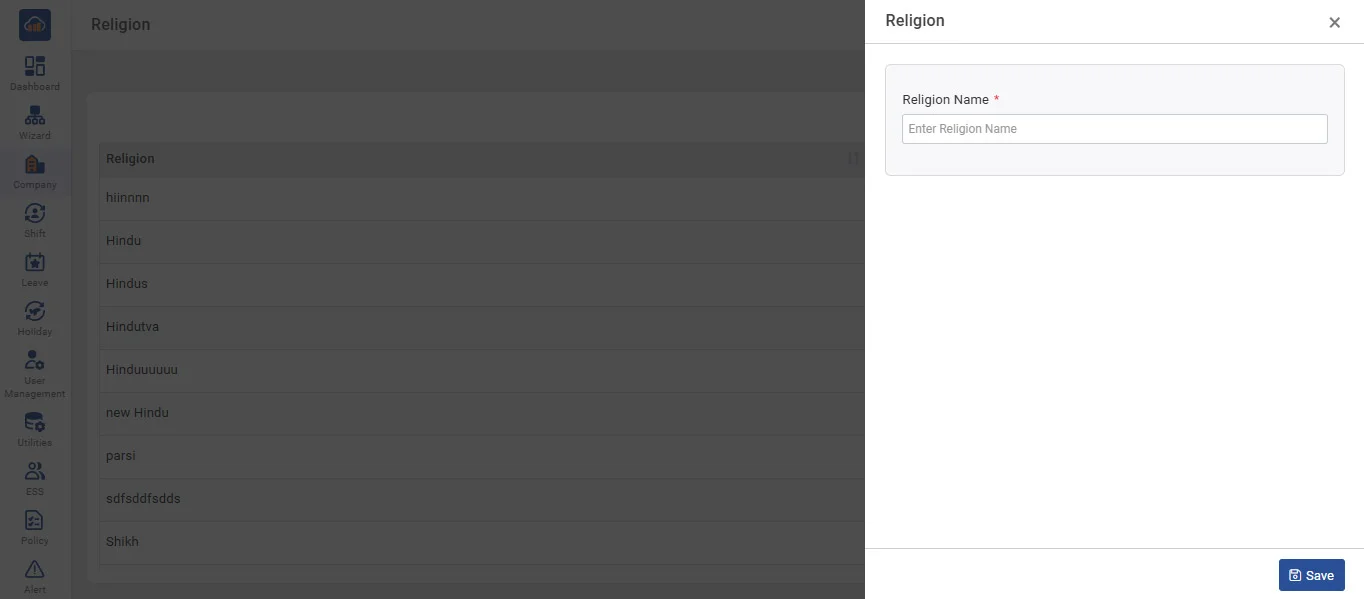
Above image shows when you click on “+ Add Religion” modal
• To add new Religion, Click on 'Add Religion' and Then fill in the Name of the religion and click on 'Save' button.
• In Grid, it displays all religions that are already entered by you.
• You can edit designation entries by clicking on the 'Edit' button.