➤
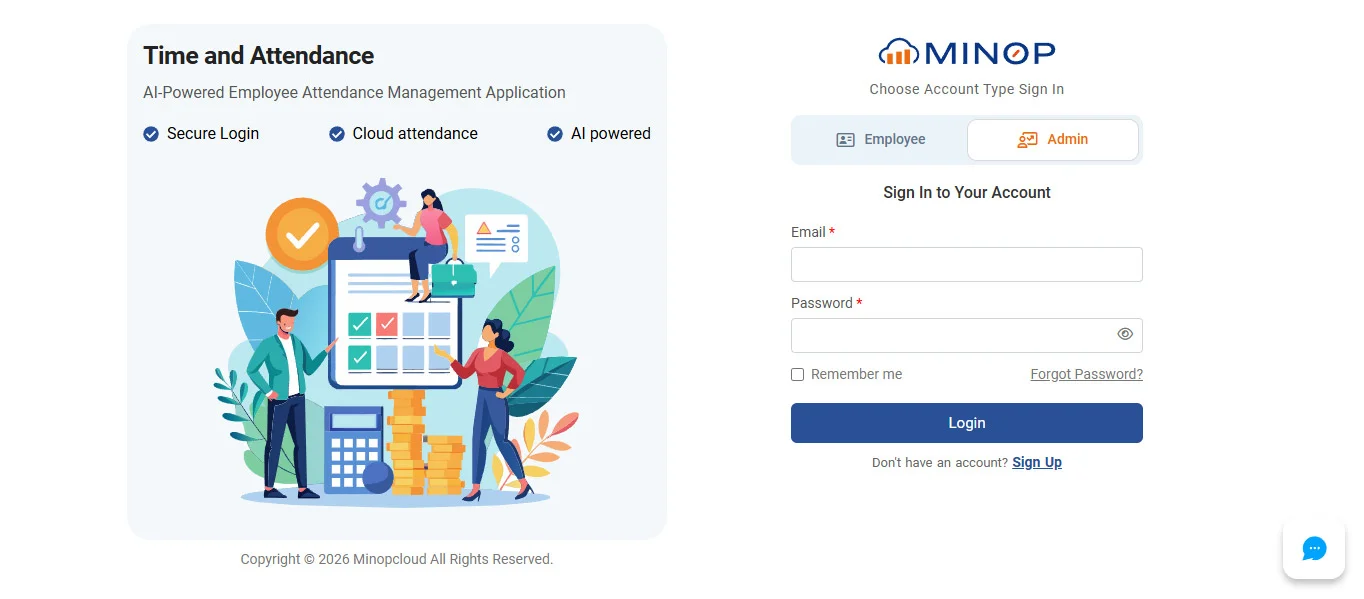
To create new Account navigate to http://minopcloud.com/ and then click on Login OR Click on SIGNUP button to navigate to https://app.minopcloud.com/PayTime/LoginPage.

➤
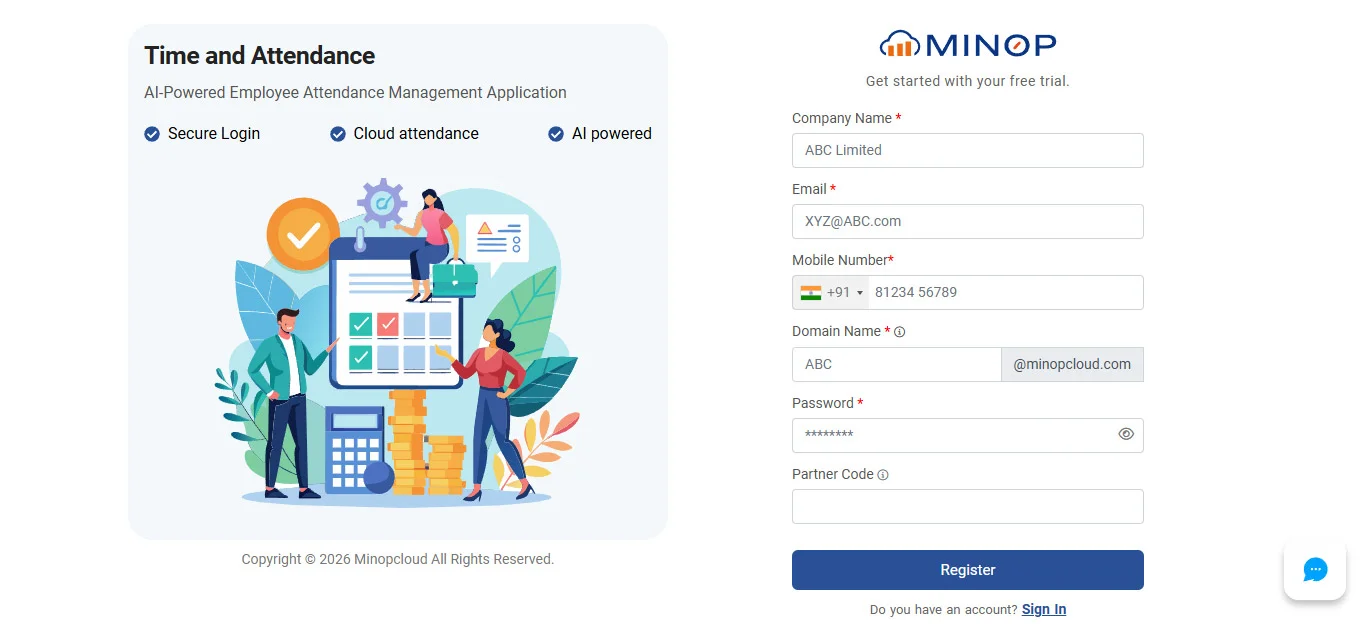
Click on Create New account button and fill all details and then click onFree trial sign up Button or Login Button
➤
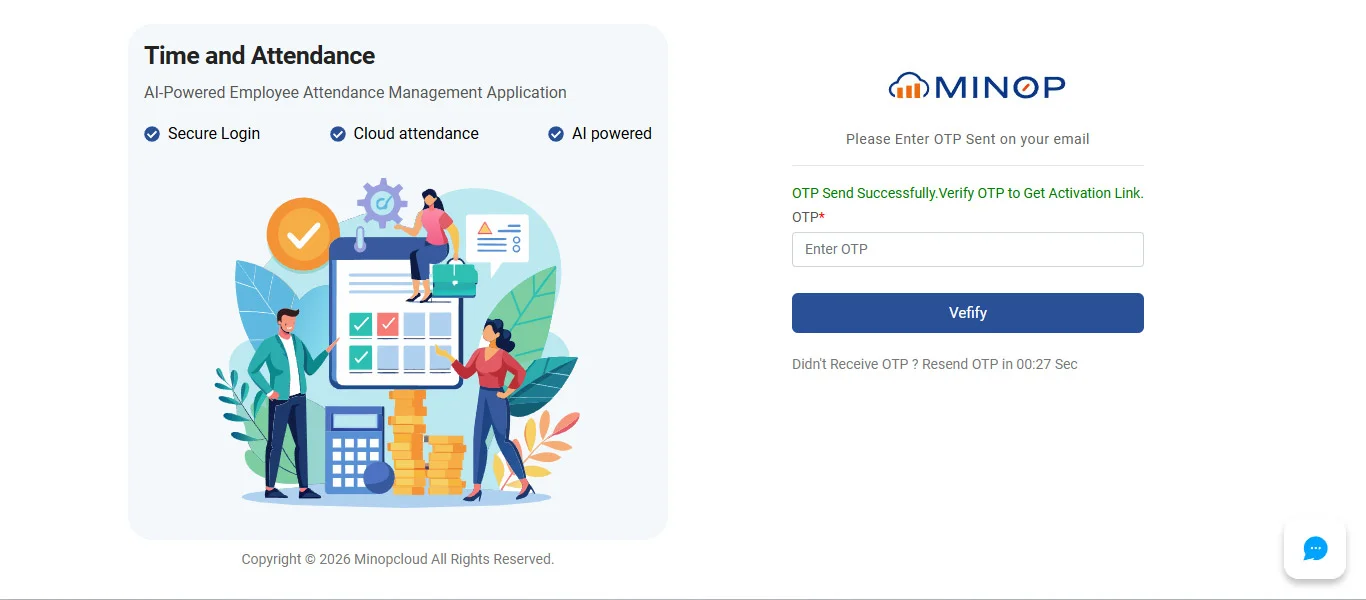
Message will display that email is sent to your mobile, Open that mail and click on the provided link to activate account.
➤
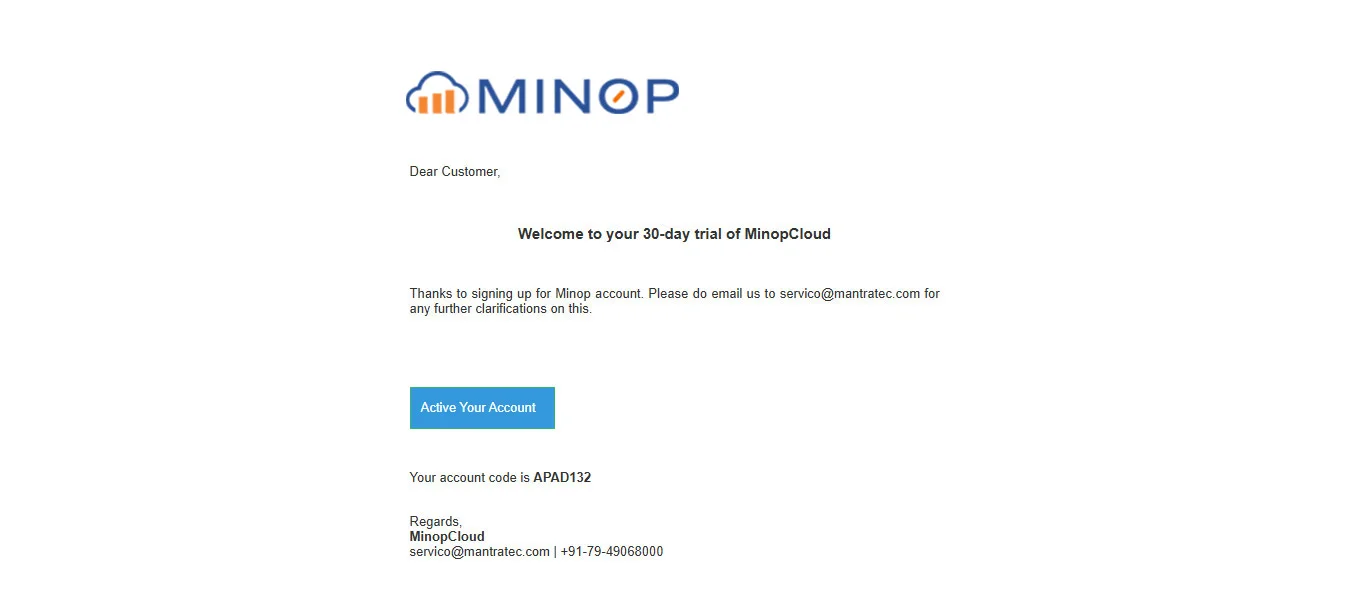
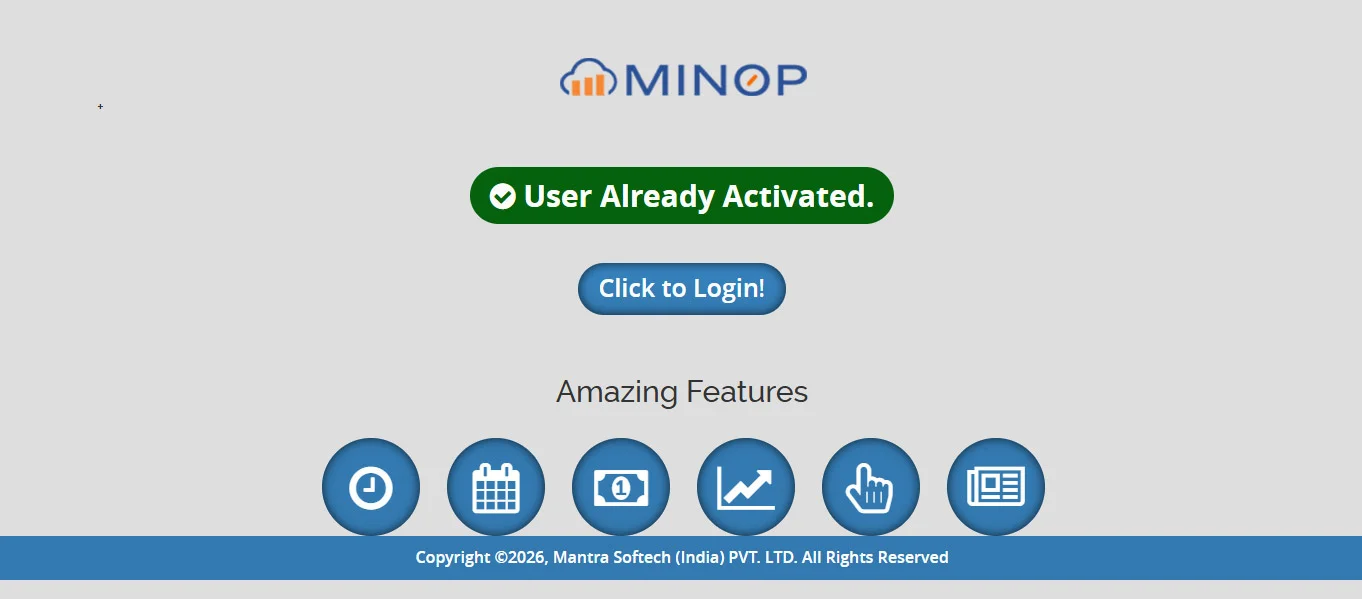
Your account is successfully activated” message on screen will display you click on activate account link
➤
Enter valid Credentials and click on Login button, after Successful registration