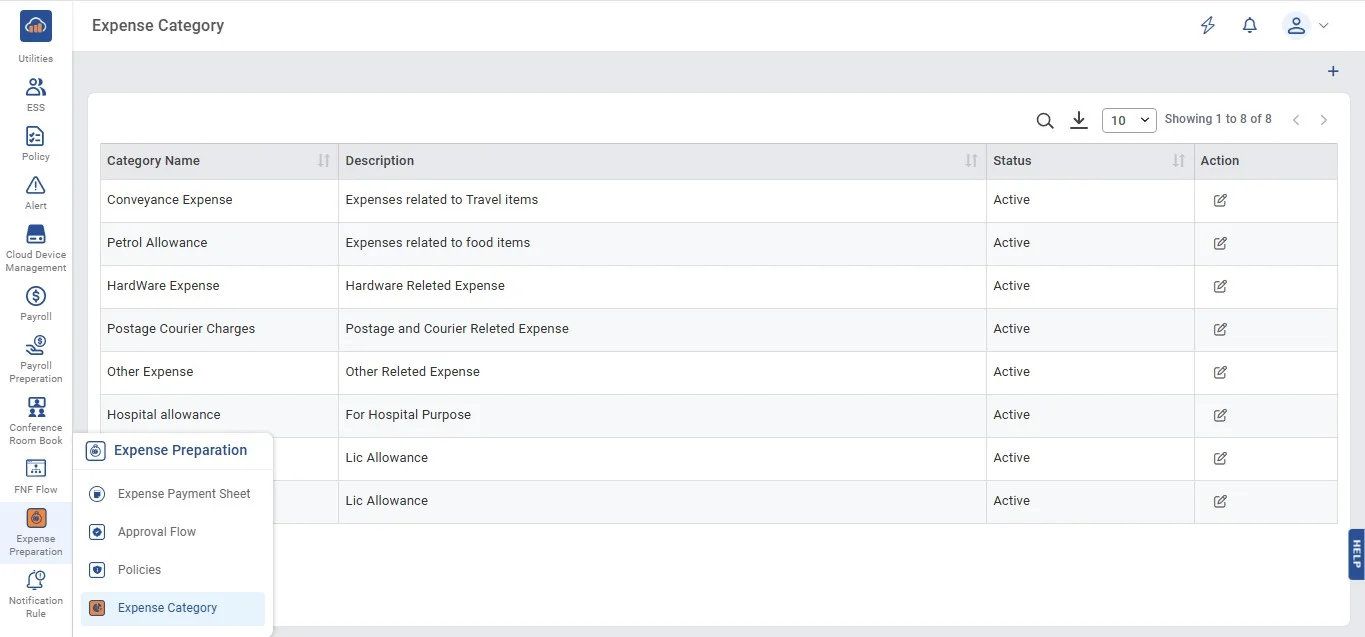
Step 1: Access the Category Management Page
• From the left navigation menu, go to: Expense Preparation → Expense Category.
• This will open the Category Management Page that displays all existing categories.
| Field | Details |
|---|---|
| Type | MINOP - Expense Management System - Category Management |
| Device | Web Application |
The Category Management feature in the Expense Management System allows administrators to manage categories for expense claims. This page enables the creation, modification, and removal of categories. It ensures that the correct expense categories are available for employees when submitting their claims.
• From the left navigation menu, go to: Expense Preparation → Expense Category.
• This will open the Category Management Page that displays all existing categories.
The system displays a table with the following details:
| Column | Description |
|---|---|
| Category Name | The name of the expense category (e.g., Conveyance Expense, Petrol Allowance). |
| Description | A brief explanation of the category (e.g., Expenses related to Travel items). |
| Status | Indicates whether the category is active or inactive. |
| Actions | Options to Edit or Delete a category. |
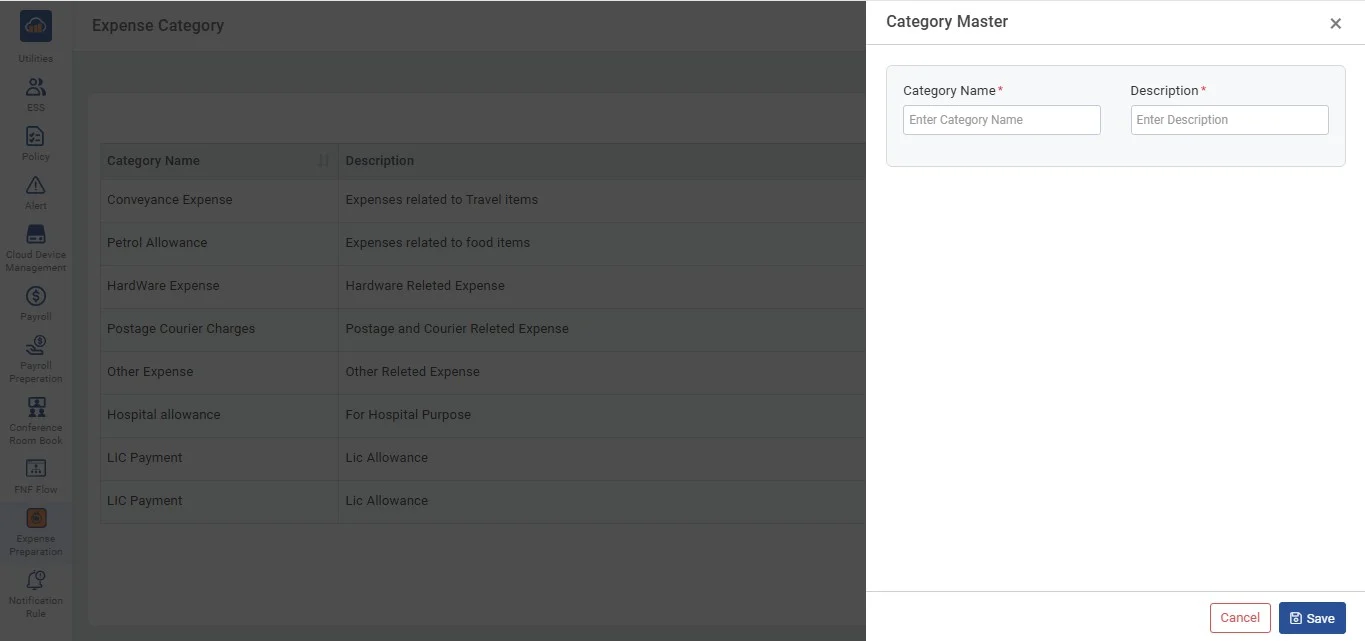
• To add a new category, click on the "Add Category" button.
• A form will pop up with fields for:
I. Category Name: Enter the name of the new category.
II. Description: Provide a brief description of the category.
• After entering the details, click "Save" to add the new category to the system.
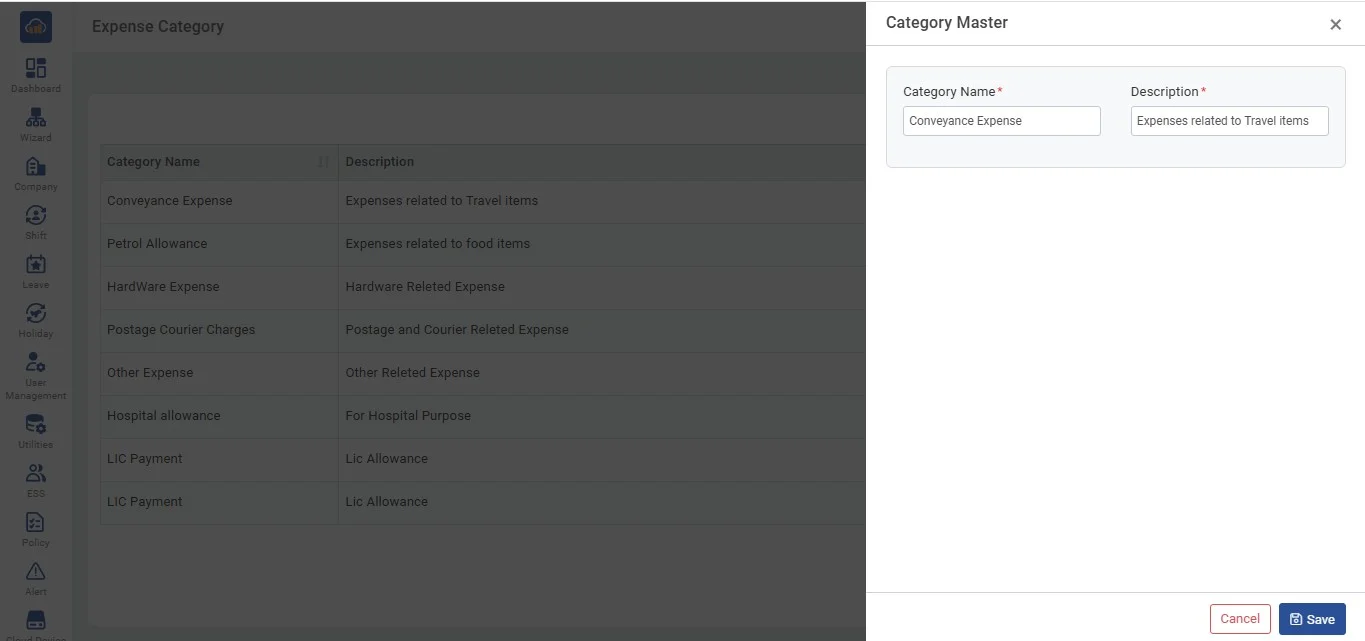
• To edit an existing category, click on the "Edit" button next to the desired category.
• A modal will appear with pre-filled fields for the Category Name and Description.
• Modify the details as necessary and click "Save" to update the category.
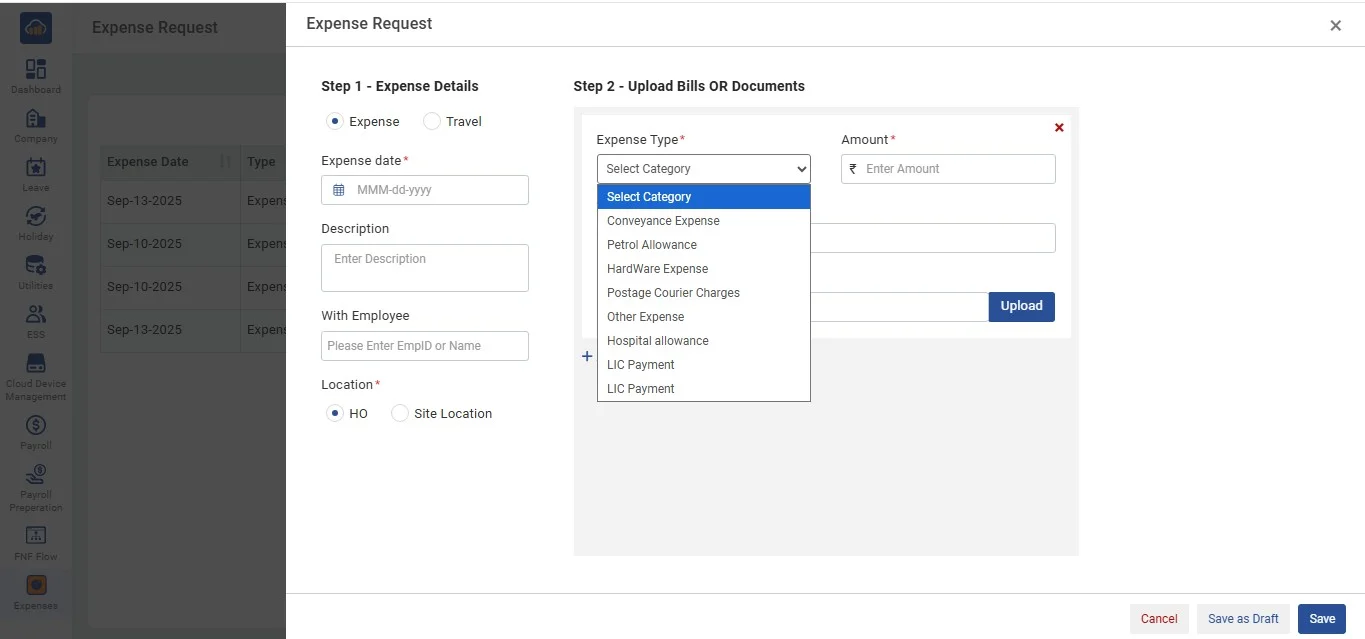
• The Expense Type dropdown in the Expense Request Form is directly connected to the Category Management Page.
• When an employee accesses the Expense Request Form, the categories are dynamically fetched from the Category Management section.
• These categories are pulled from the database, ensuring that the most up-to-date and relevant categories are available for selection.
• Any changes or additions made in the Category Management Page will automatically reflect in the dropdown, providing a seamless experience for users submitting expense claims.