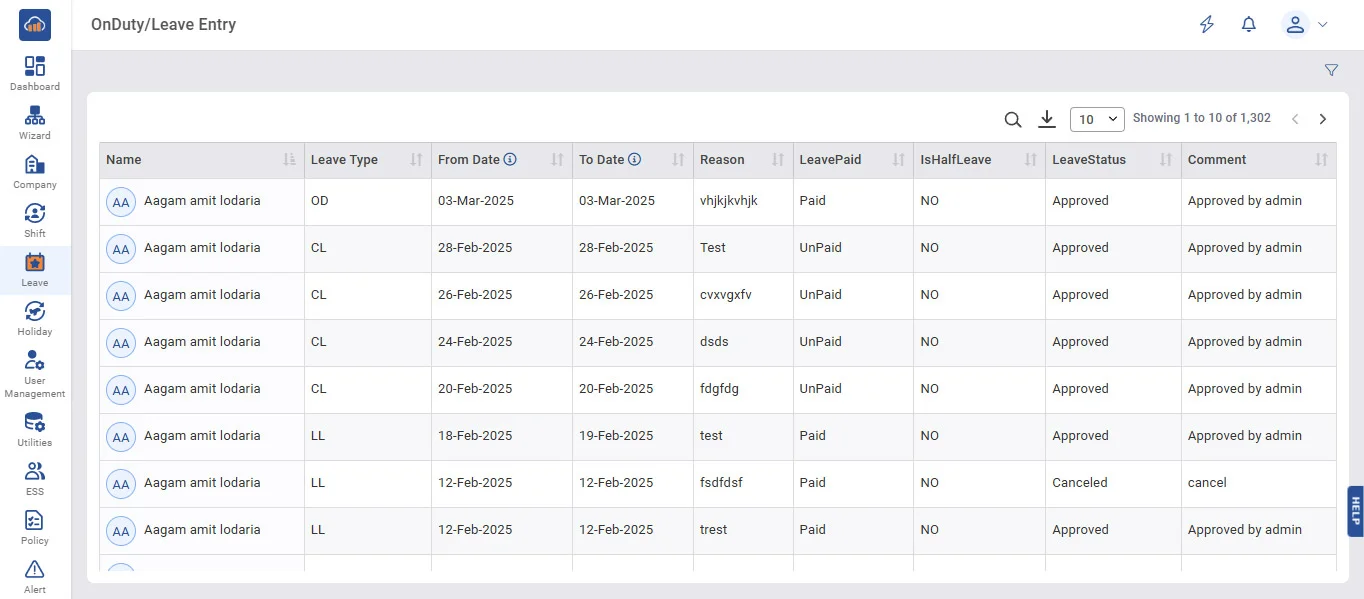
Above image shows view of On Duty/Leave Entry.
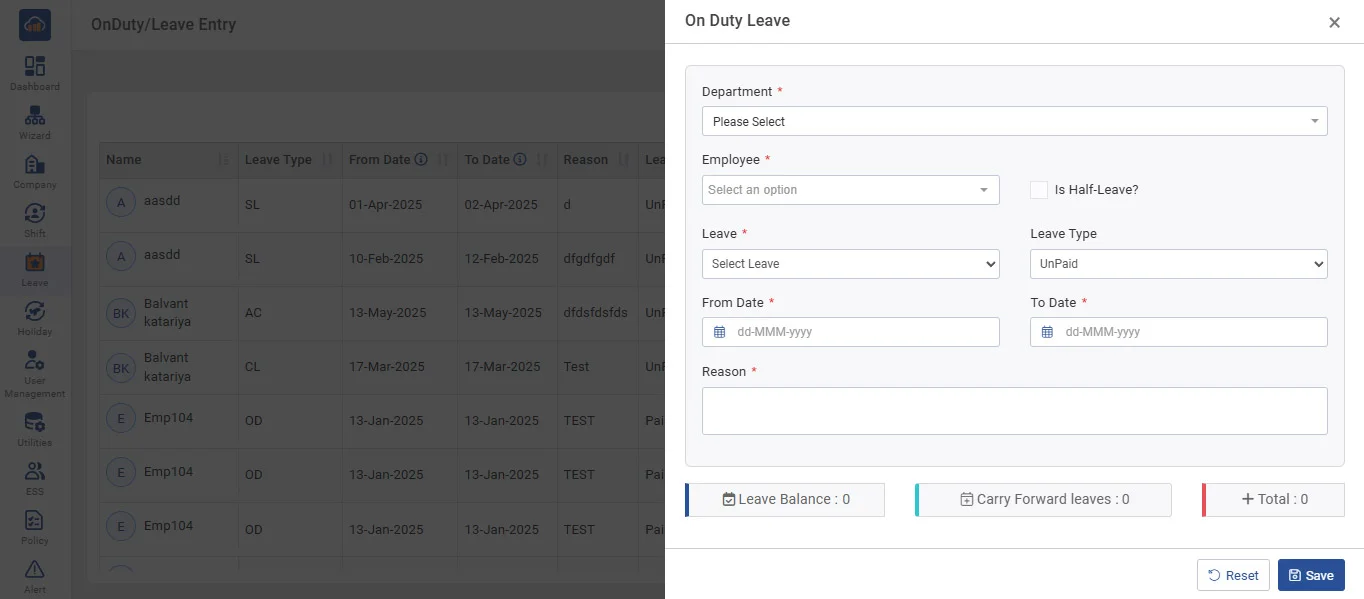
Above image shows the pop-up that appears when you click on Filter, apply the filters, and then click on “+ Add Leave”.
➤ On Duty Entry :
• If Employee went for Company related work and unable to punch on Device Terminal.
• In Attendance Report, status will be shown as 'OD'.
➤ Leave Entry :
• You can add an employee's full-day or half-day leave as per the balance available for particular leave.
• In the Attendance Report, status will be shown with the leave type name.
• In the Half Leave case, 'H' will be appended before the leave type name.