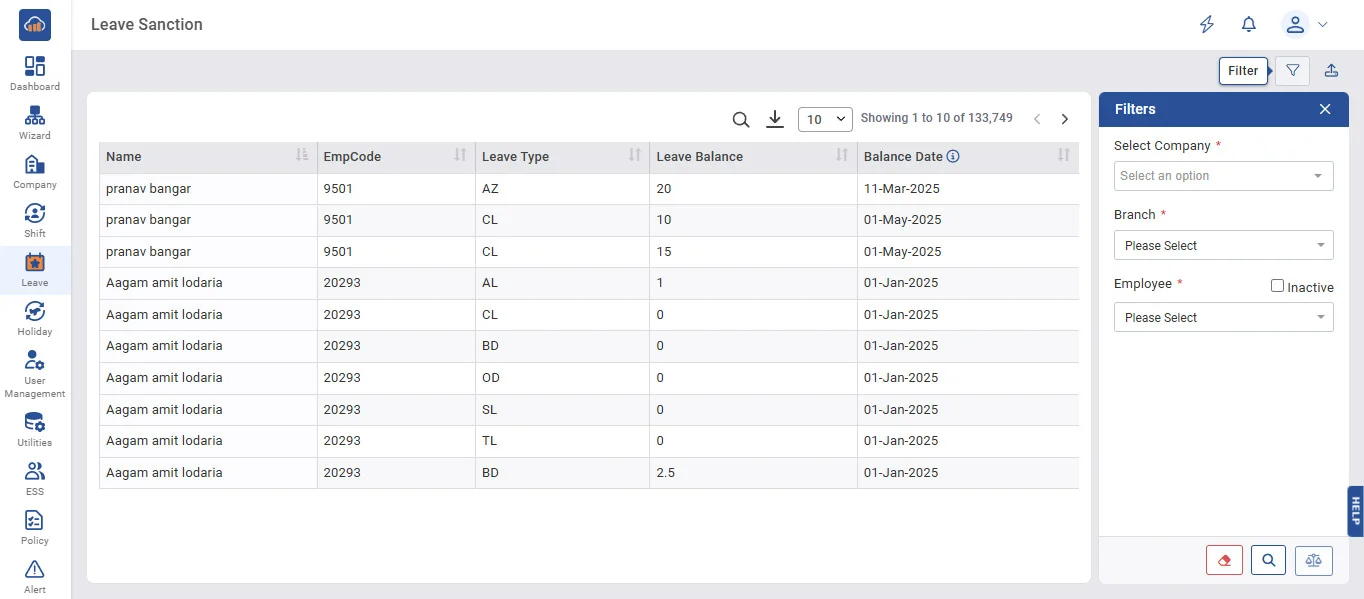
Above image shows view of Leave Sanction.
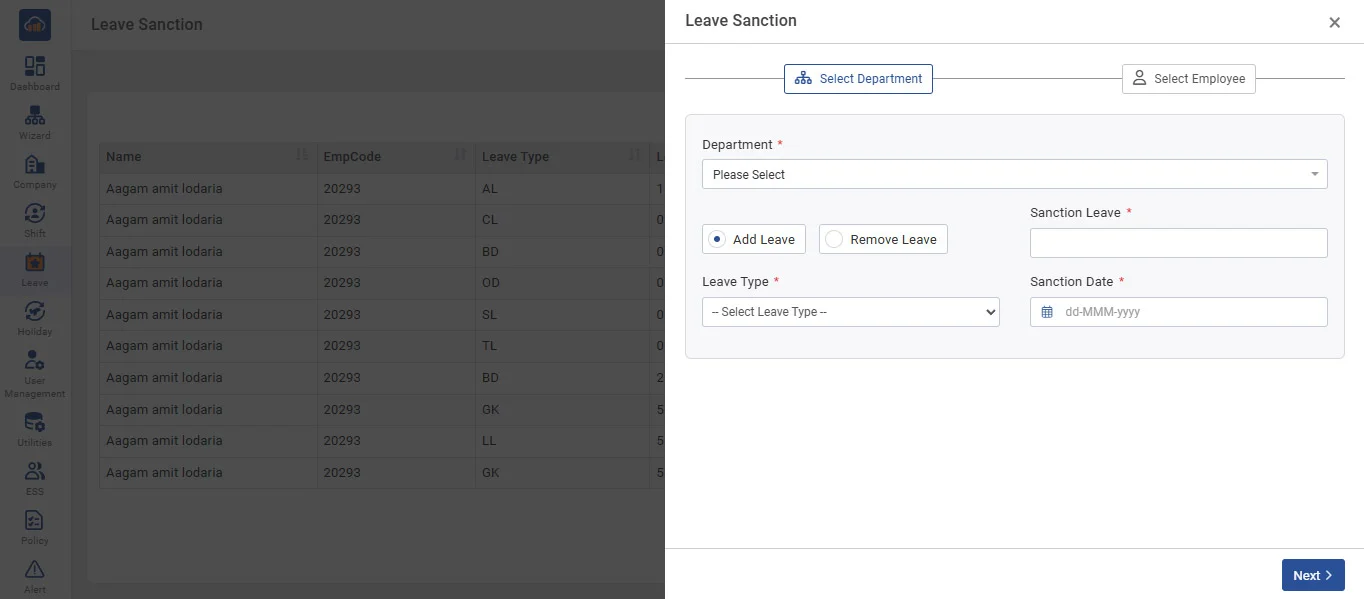
The above image shows the modal that opens after applying filters and clicking on “+ Leave Balance”.
• Leave Sanction allows you to sanction Leave balance or remove leave balance to Employee for a particular transaction year as per sanction date.
• For sanctioning leave, you need to select the leave type and the number of leave balance to add or Remove, enter the leave amount and employees from the list, and click on the 'Save' button.
• The third list displays the already sanctioned leaves of the employee.
• You can add or remove leaves in Point also.