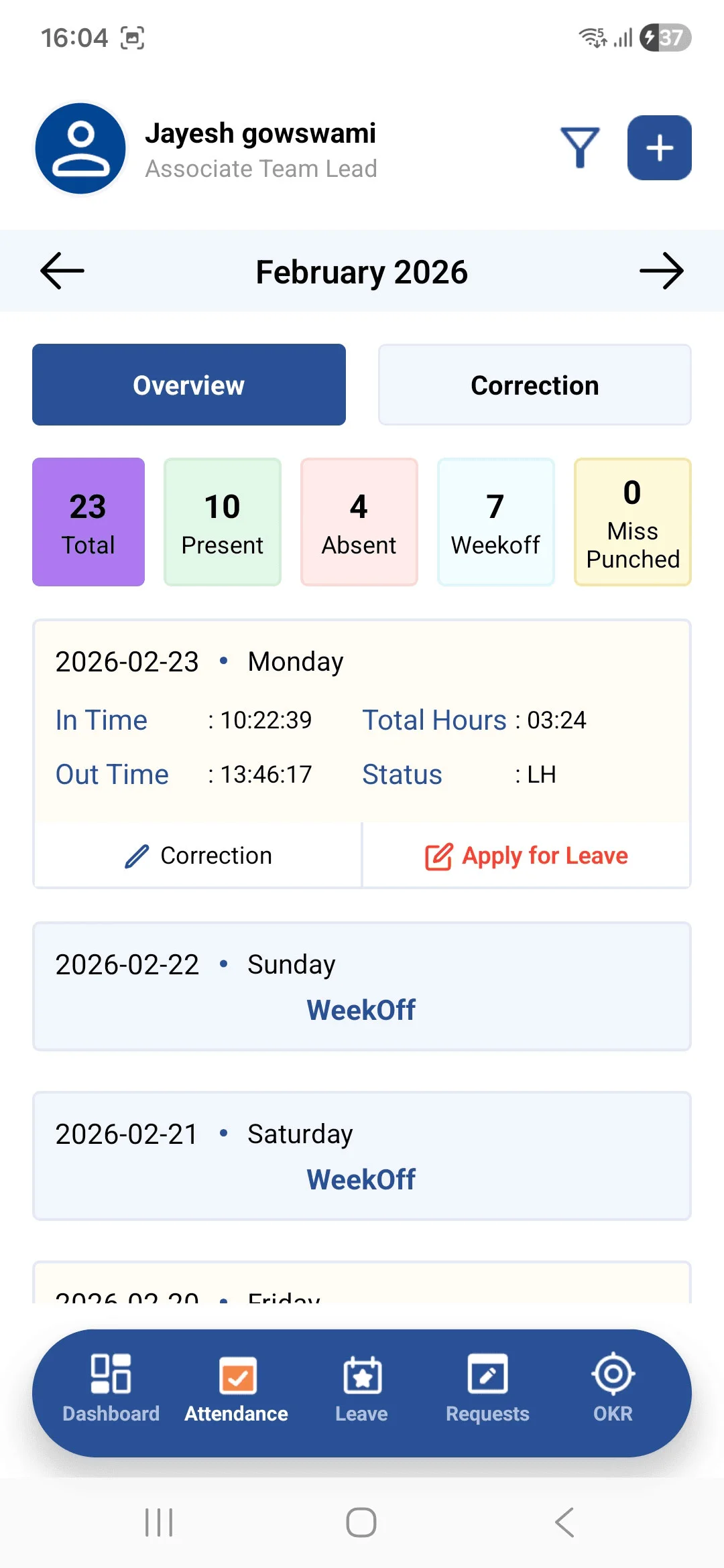
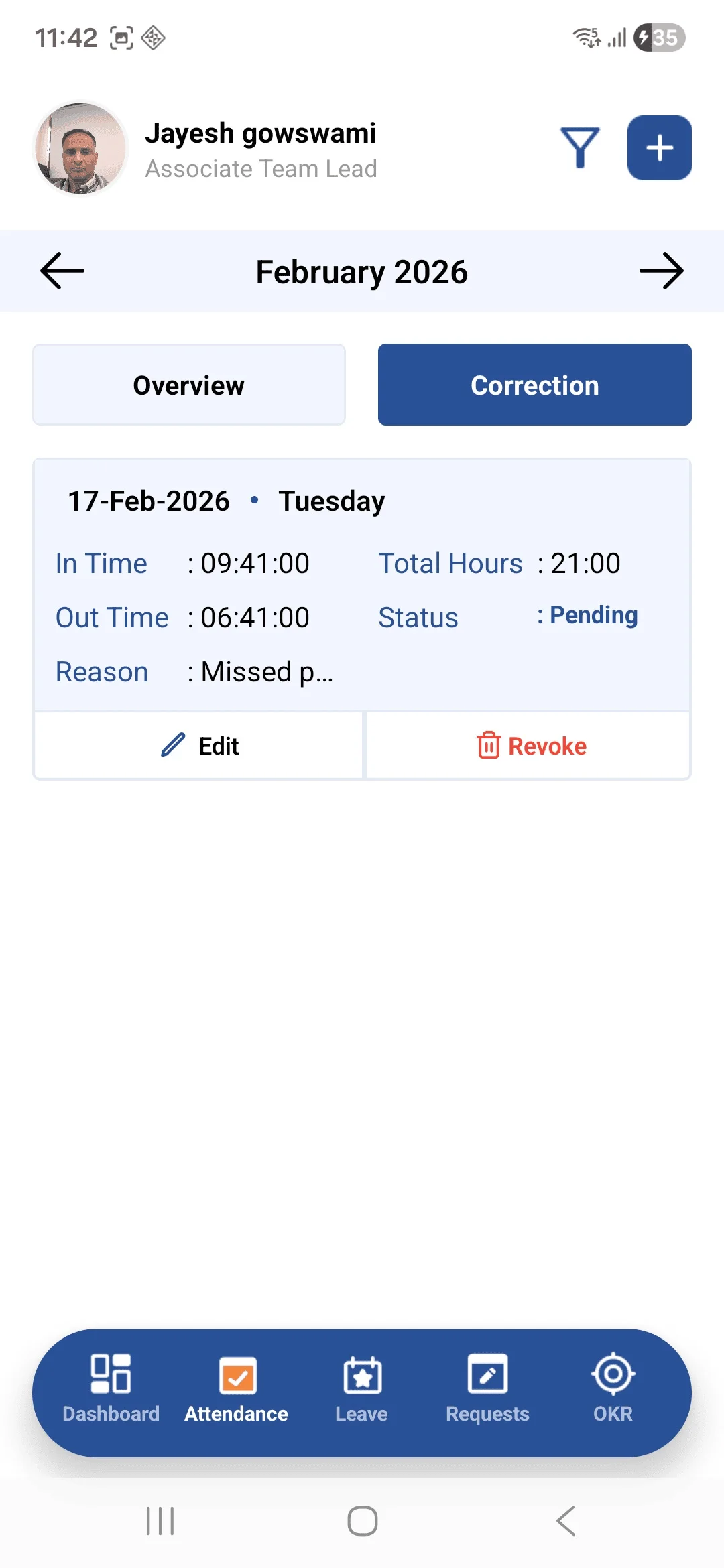
• The Attendance screen is divided into two sections: Overview and Correction, providing complete attendance management functionality.
➤ Overview :
• Displays attendance data with multiple filter options. Users can view attendance records employee-wise and month-wise, along with summarized counts for better tracking and analysis.
➤ Correction :
• Shows a list of all requested attendance corrections along with their current status (e.g., pending, approved, rejected). Records can be filtered month-wise for easy reference and tracking.