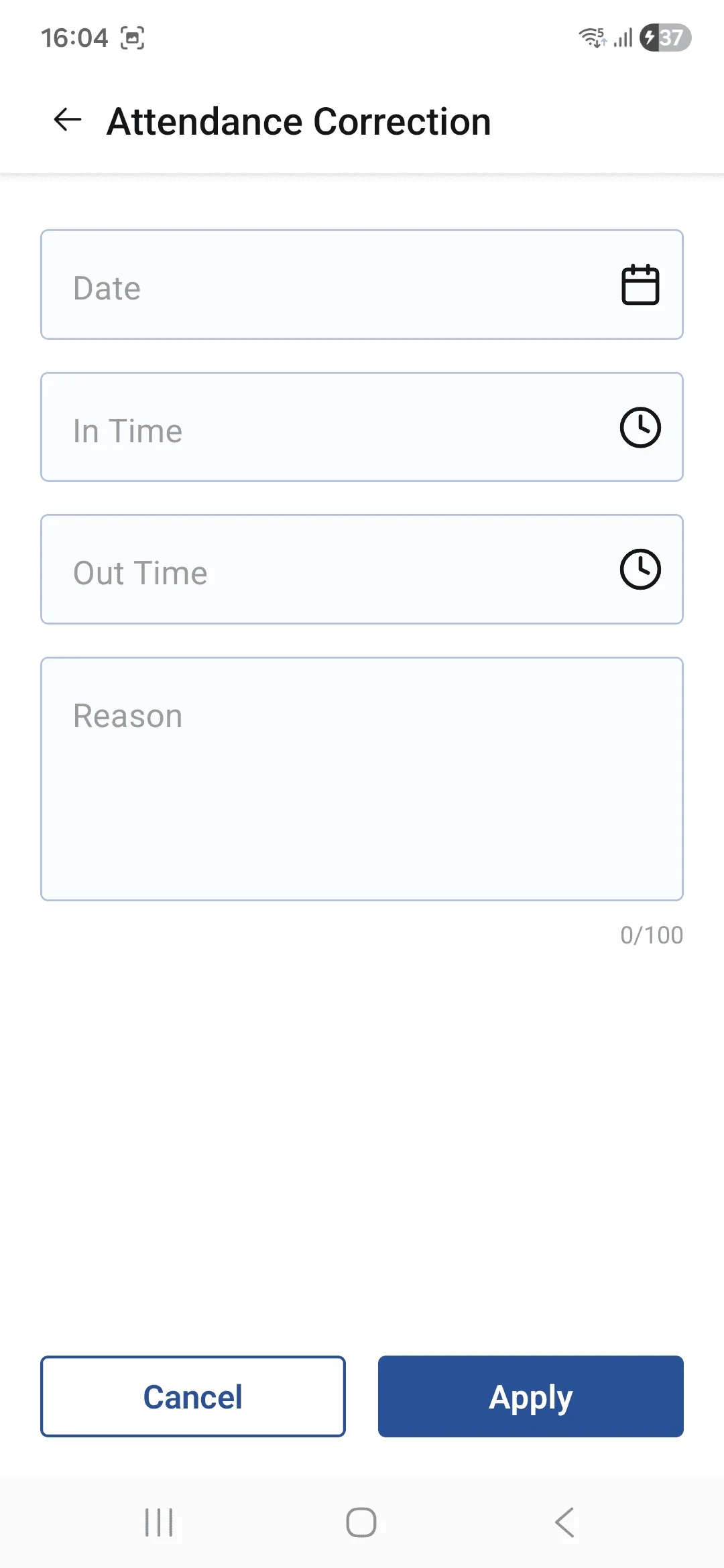
• The Add Attendance Correction screen allows users to submit a request for correcting their attendance records. Users can select the Date, enter the corrected In Time and Out Time, and provide a Reason for the correction. The request is then submitted for approval and status tracking.