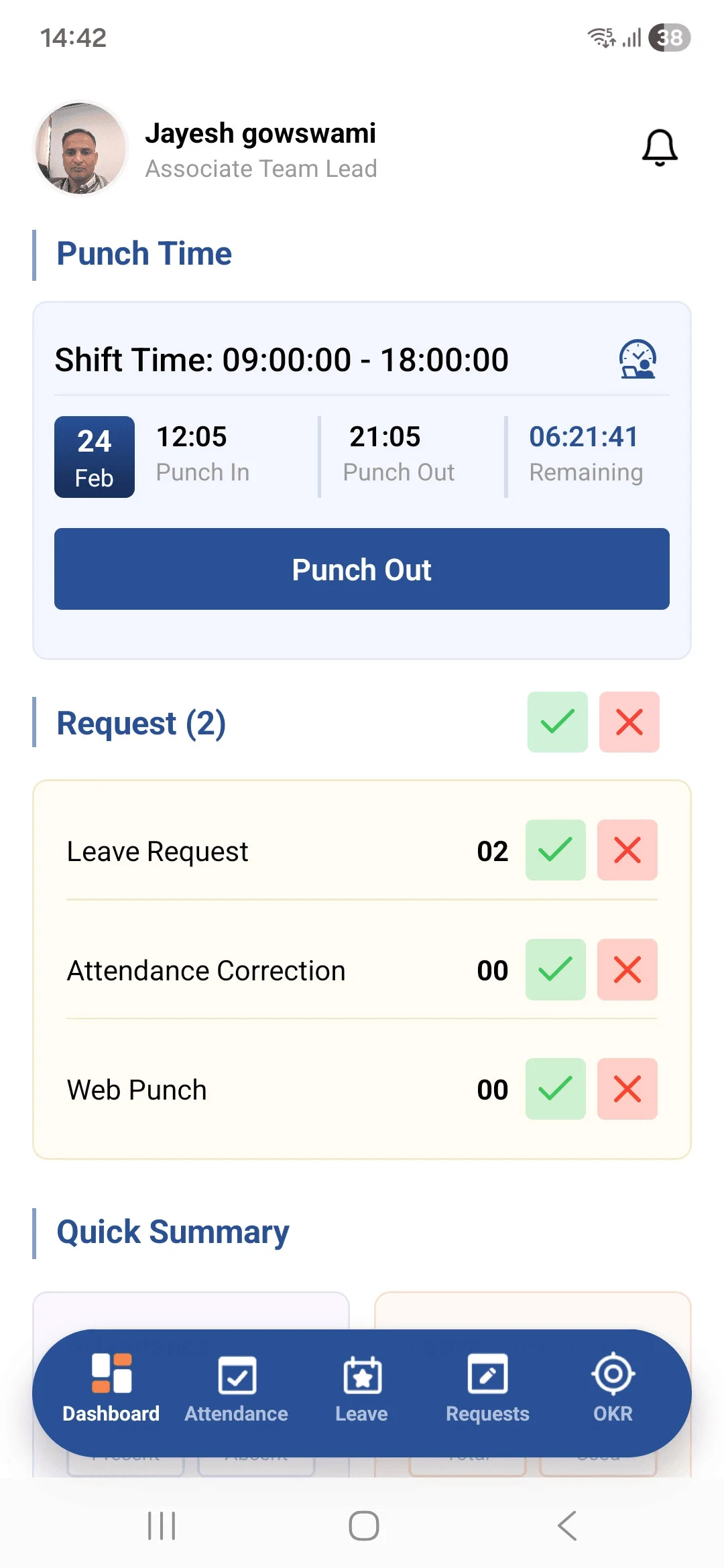
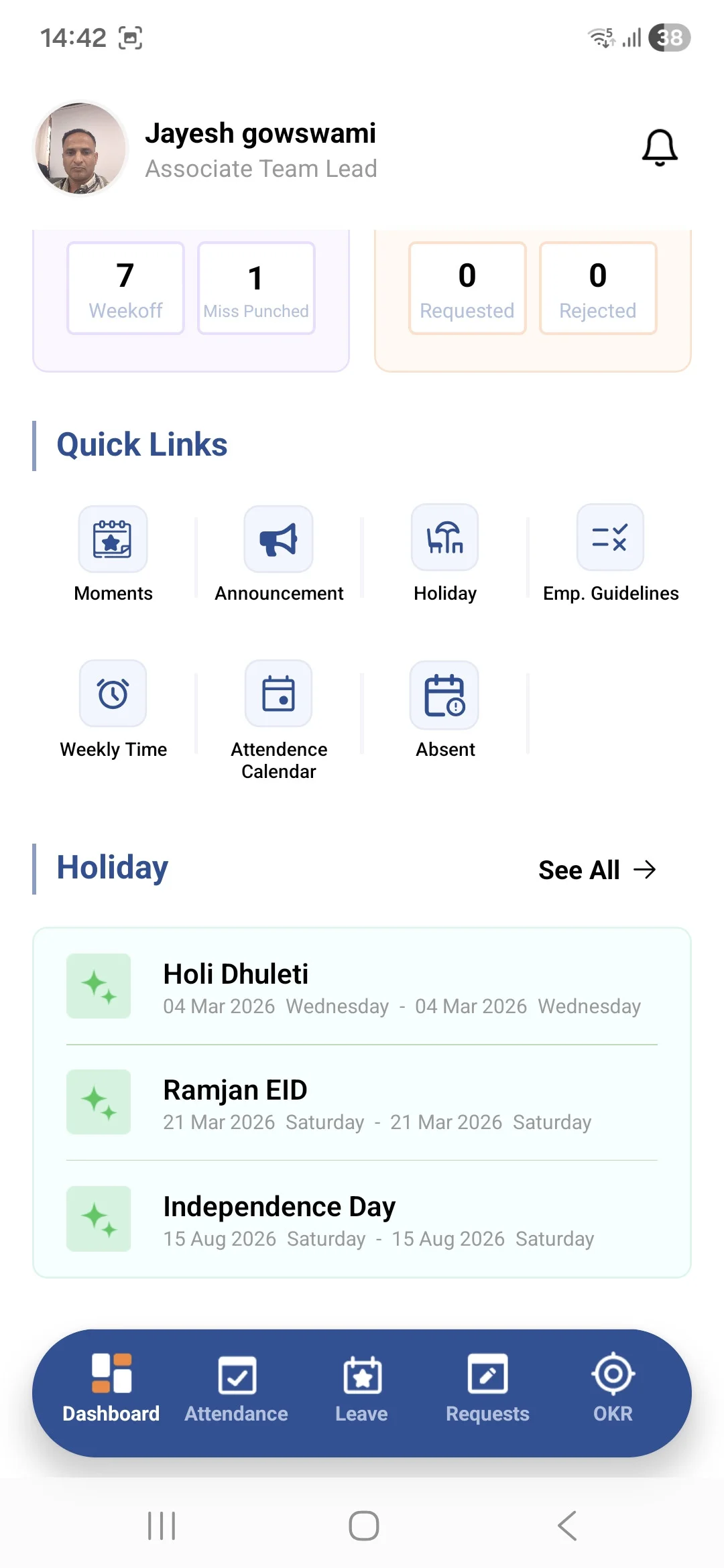
• The Dashboard Screen serves as the central hub of the application, providing users with a comprehensive overview of their daily activities and requests.
• It includes Punch In / Punch Out functionality with time tracking and facility details. Users can access and manage Leave Requests, Attendance Records, and Web Punch Requests, while reporting managers have the authority to review and approve requests.
• The dashboard also displays a Quick Summary of attendance and leave status for easy tracking.
➤ Additional quick-access features include:
• Moments
• Announcements
• Holiday List
• Employee Guidelines
• Weekly Time Summary
• Attendance Calendar
• Absent Records
• At the bottom, a Quick Holiday List (up to 3 upcoming holidays) is displayed for user reference.