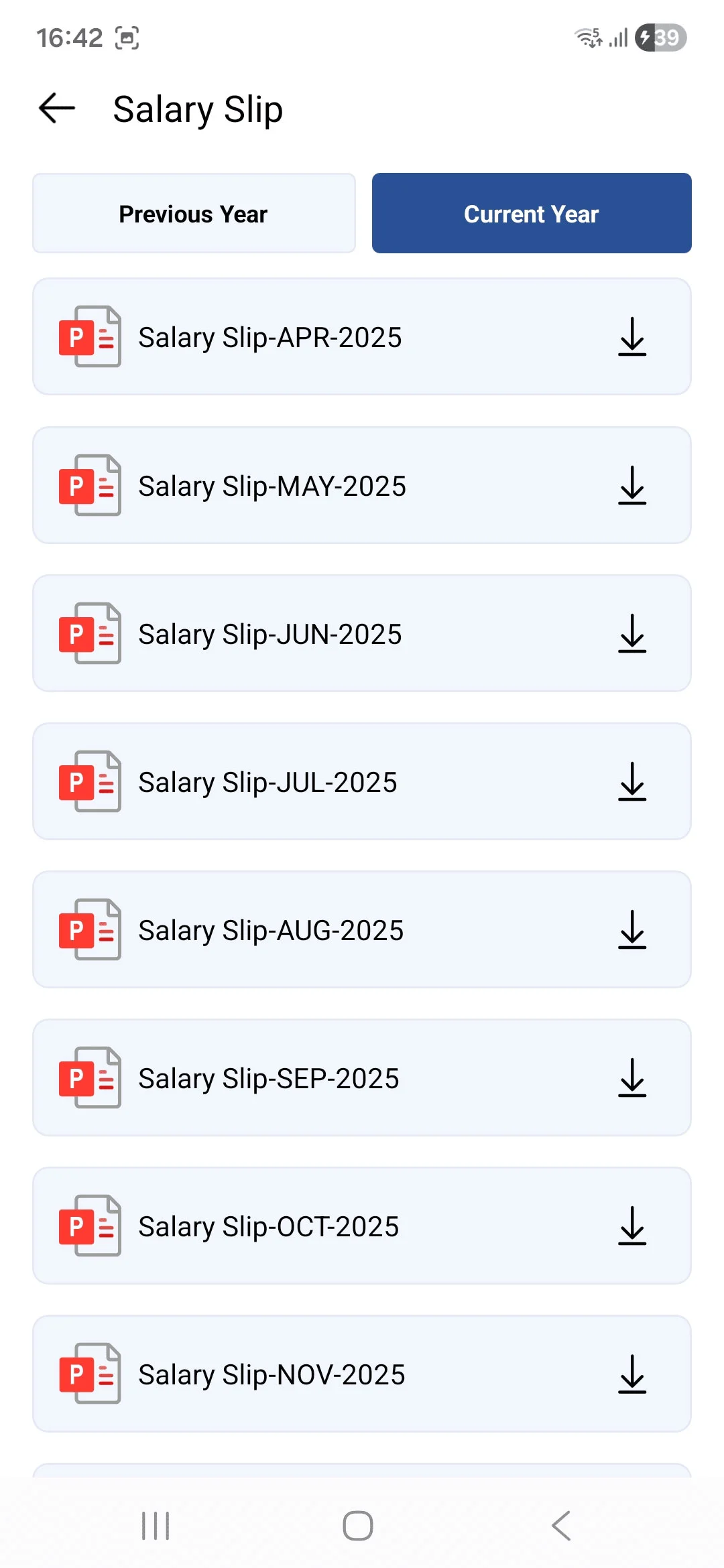
• The Salary Slip screen is divided into two sections: Current Year and Previous Year.
• Each section displays a list of salary slips categorized by year. Users can view and download their salary slips directly from the list for record-keeping and reference purposes.
• Users can switch between Previous Year and Current Year to quickly access salary slips for different financial years.
• Salary slips are listed month-wise in a structured format, making it easy to identify and select the required month.
• A dedicated download option is available for each salary slip, allowing users to securely save the document to their device.