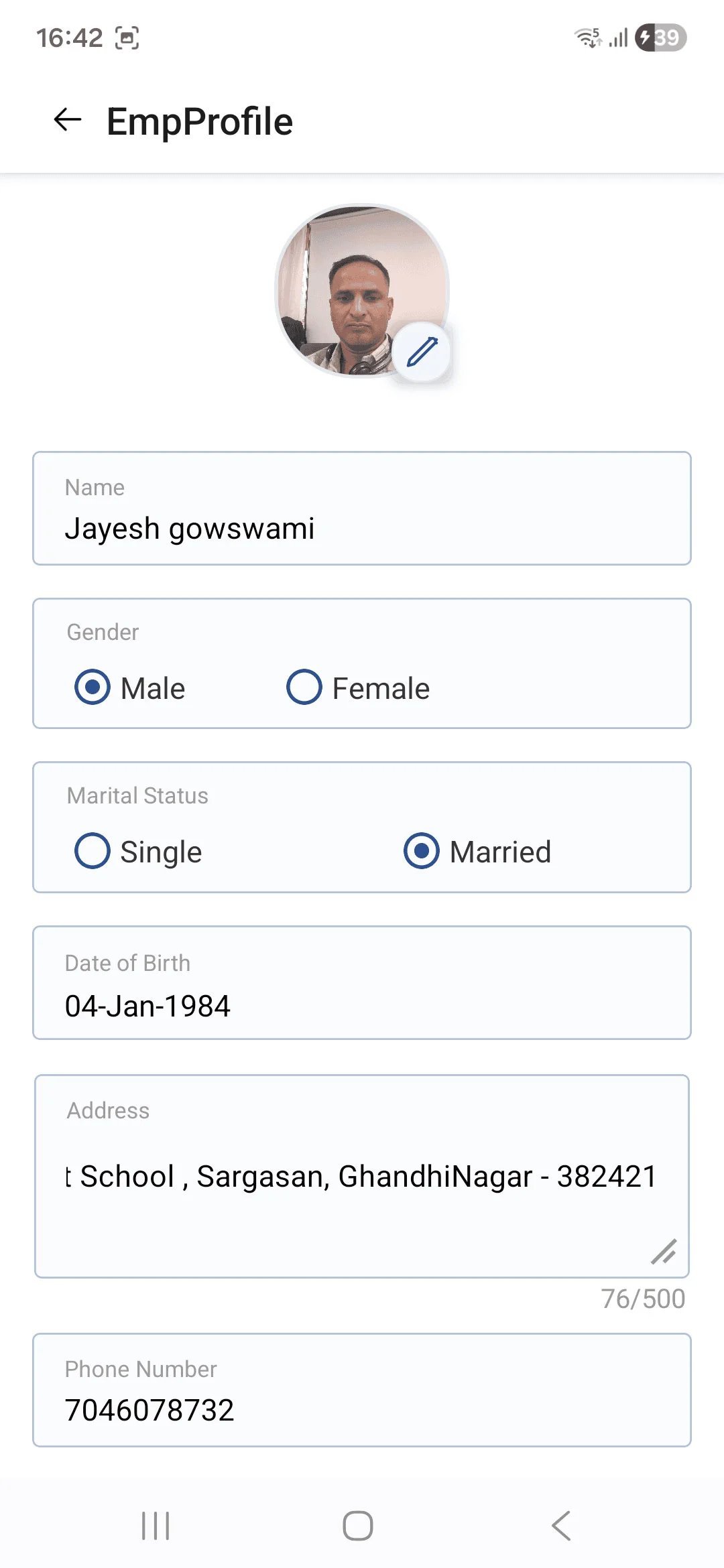
• The Employee Profile screen allows users to view their complete personal and professional details within the organization. It provides an option to edit and update profile information, ensuring that employee records remain accurate and up to date.
• Users can view and update basic personal details such as name, gender, marital status, and date of birth.
• The screen allows employees to edit contact information, including address and phone number.
• A profile photo section is available with an option to update the profile picture.
• Structured input fields and selection options ensure easy modification of profile information.