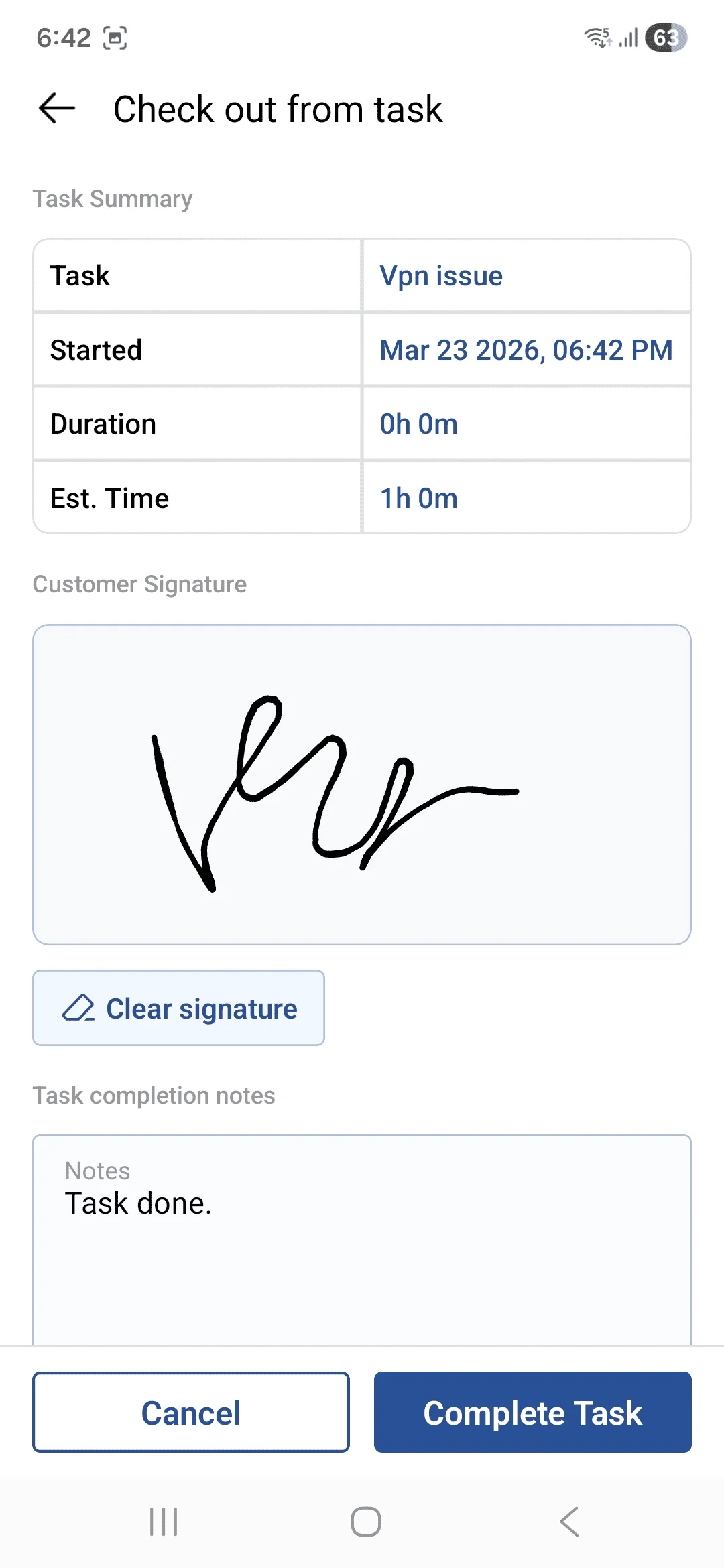
• The Checkout screen allows users to complete a task by providing final details and confirmation.
• It displays a Task Summary and enables users to add a Signature, upload images as proof of work, and enter Completion Notes.
• Once submitted, the task is marked as completed with all necessary documentation.