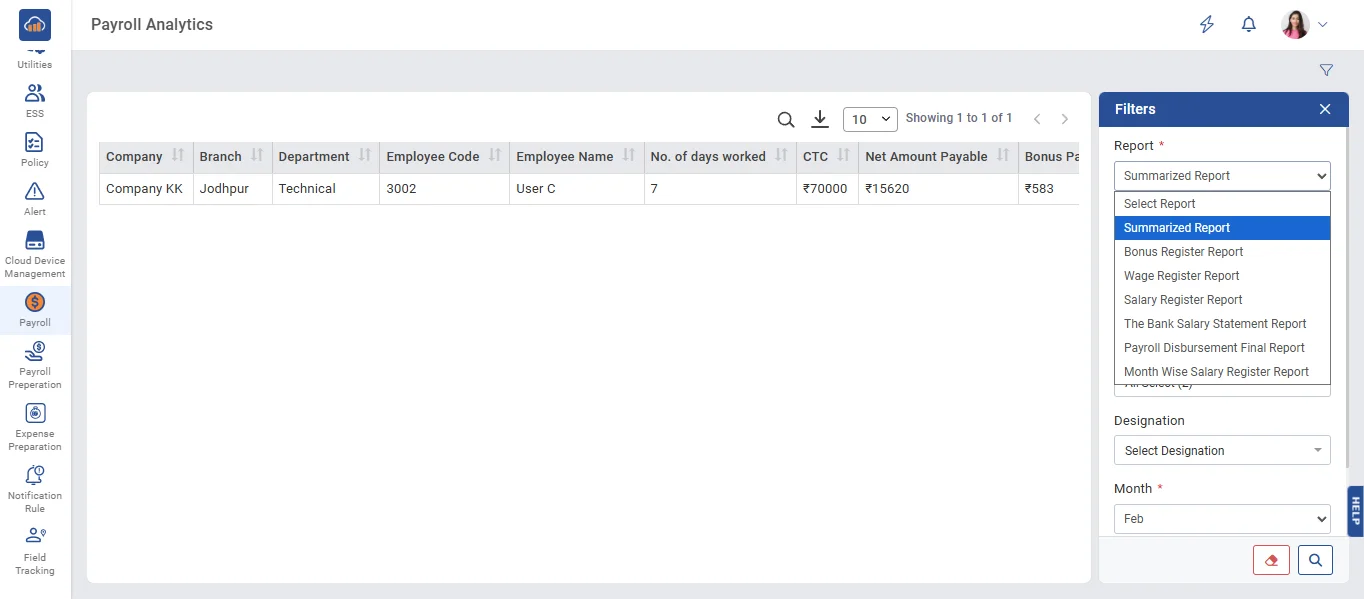
• The report shows whose salary has been successfully disbursed.
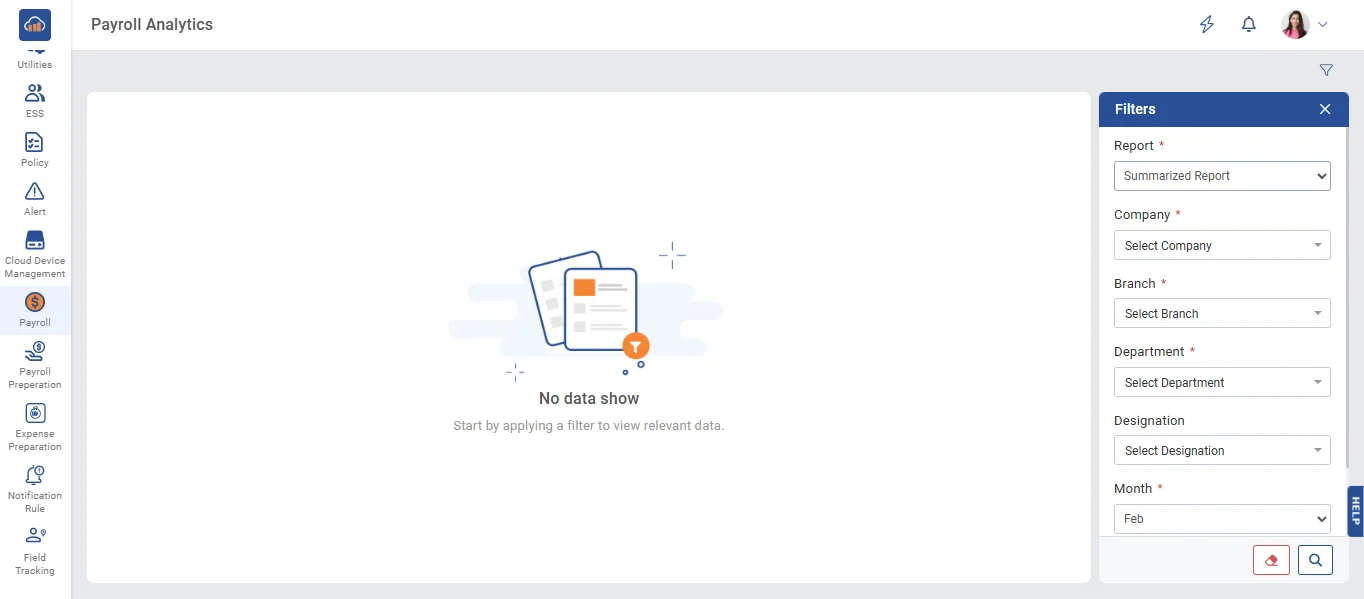
• On the Report page, when you select a report from the dropdown, the fields for Company, Branch, Department, Designation, Month, and Year will become visible. Select all these details, then click the 'Search' button to view the report.
• Users can select different report types from the Report dropdown menu.
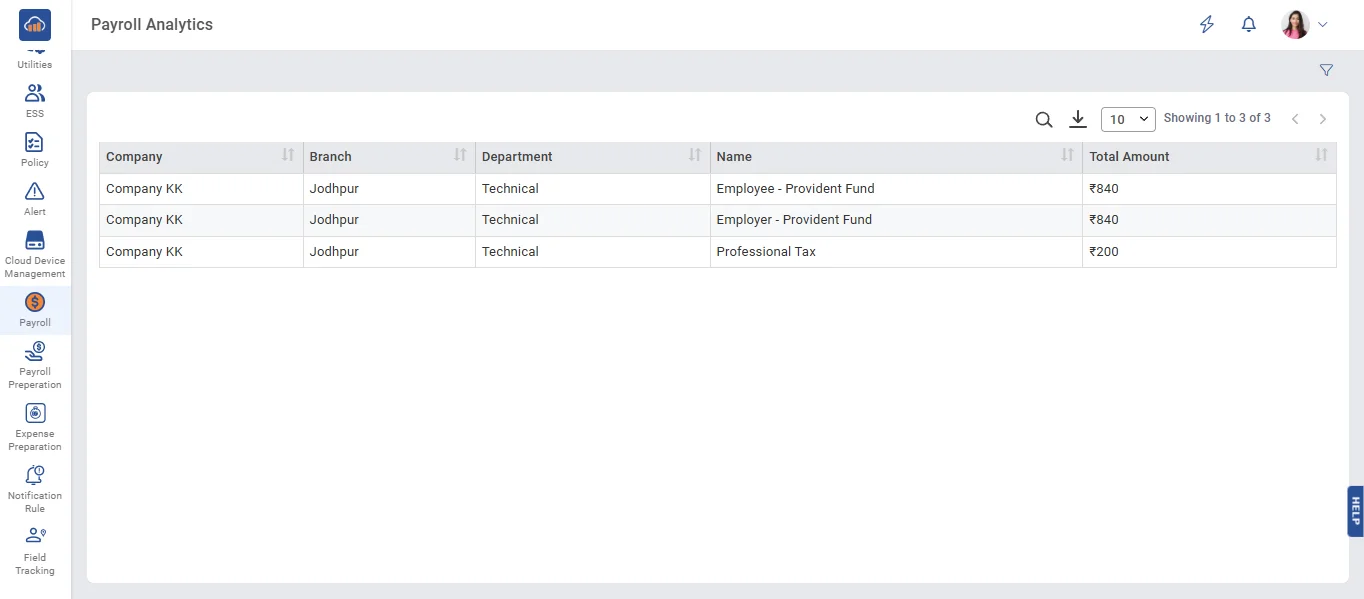
• Each report provides detailed payroll data based on the selected filters.
• Apply the required filters and click the 'Search' button to generate the report.