• A Custom Column refers to a column that the user creates dynamically, which appears on the salary processing page.
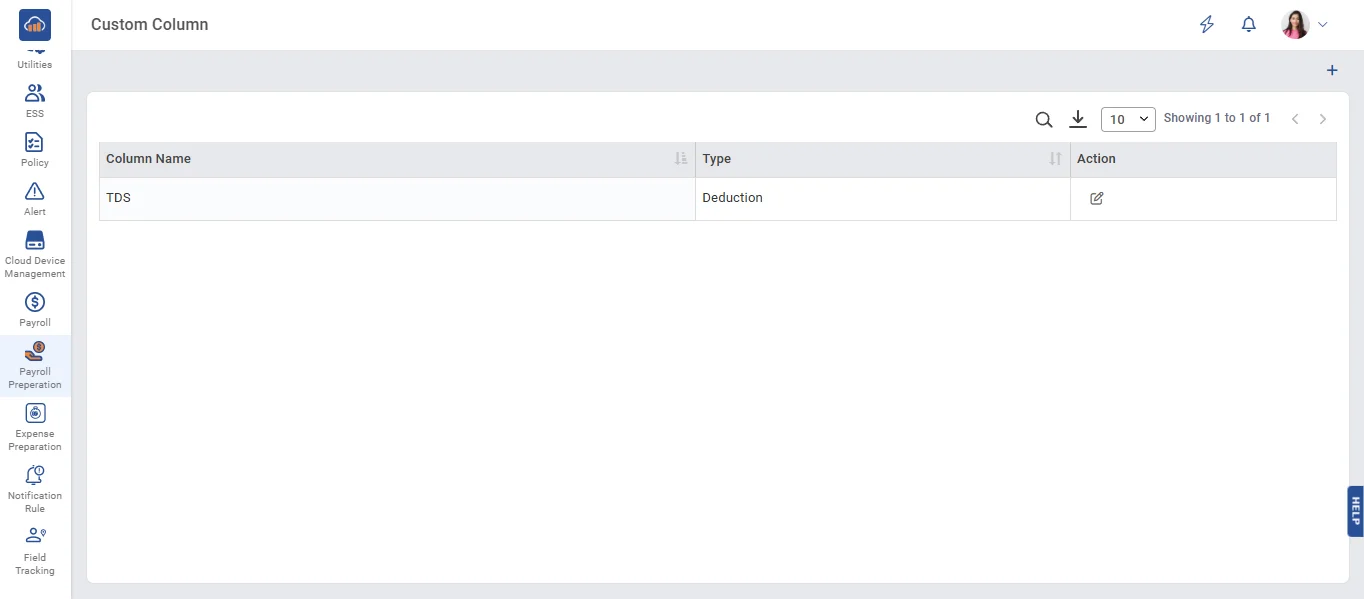
• Click the '+ Add' button to create a column.
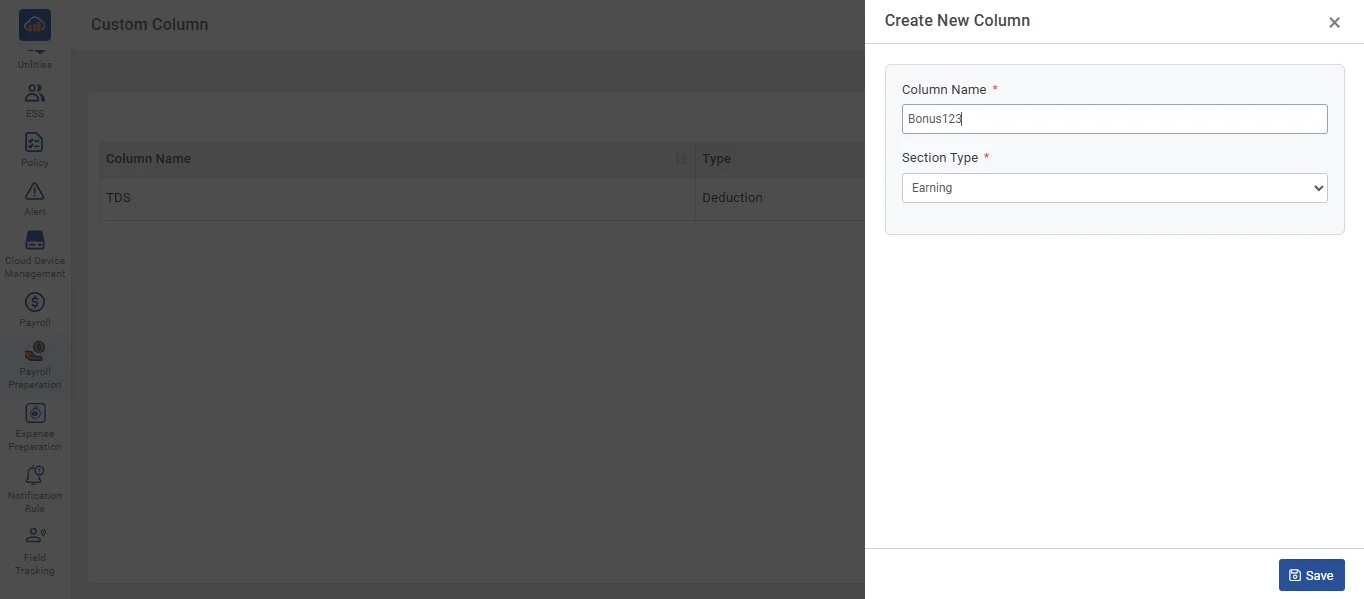
• On the Custom Column page, enter the column name and section type, then click the 'Save' button to save the data.
• Click the 'Edit' button to update the data of the custom column.
• On the Custom Column page, enter the details you want to update, then click the 'Save' button to save the data.
• The custom column named 'Bonus123' that you created will appear in the grid on the Salary Process page.