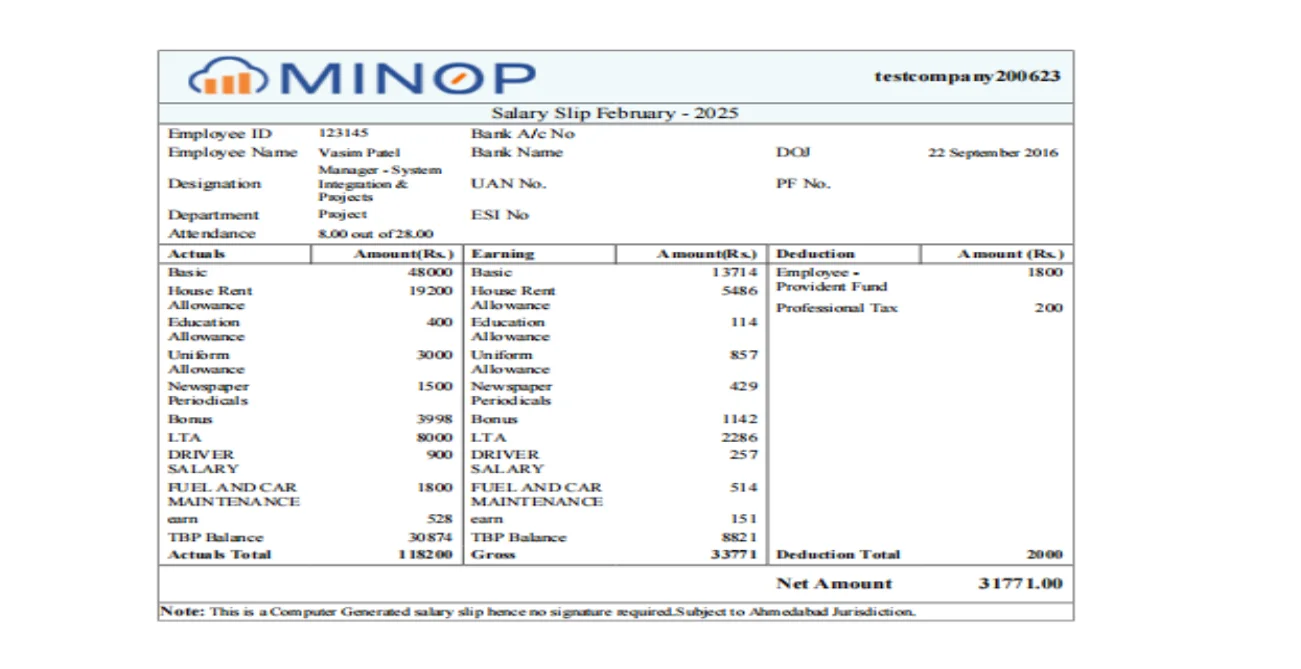
• The Payslip Template is used by HR to generate payslips with their own branding.
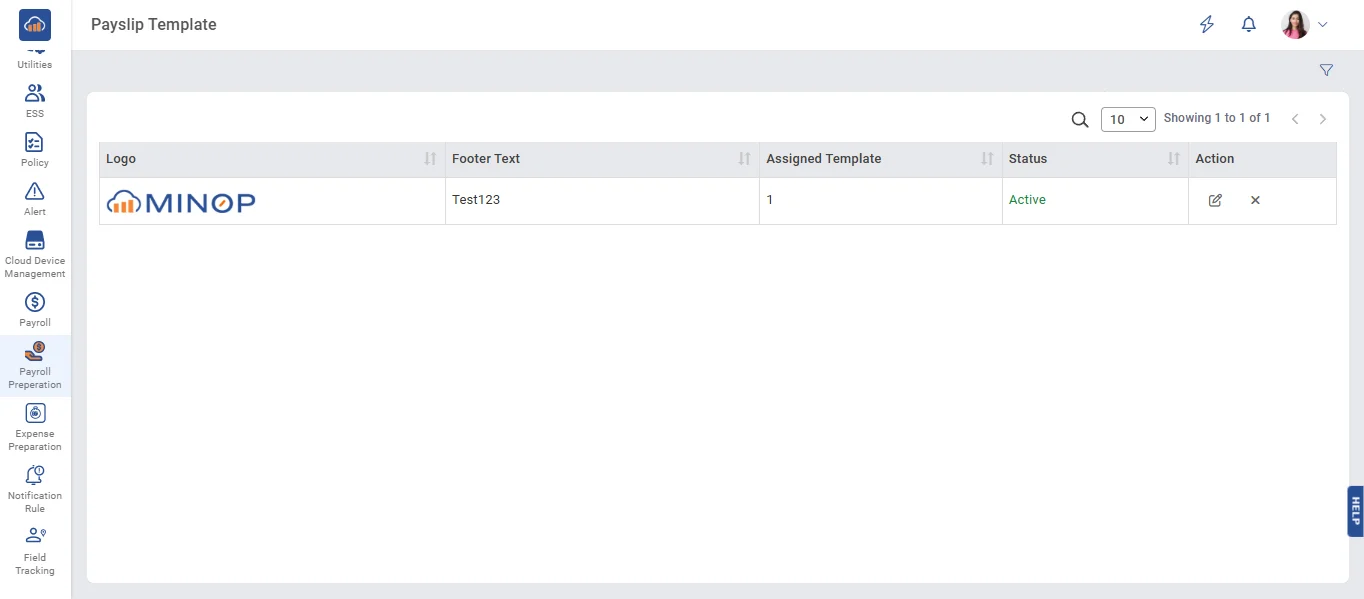
• On the Payslip Template page, select a file, enter the footer text, select the template, and click the 'Save' button to save the data.
• On Payslip Template Page, When click on Clear button then, clear all the data which are filled.
• When you click the 'Edit' button, you can update the data. Afterward, click the 'Save' button to update the data.
• When the 'Inactive' button is clicked, the data becomes inactive in the grid.
• When the 'Active' button is clicked, the data becomes active in the grid.
• Here are the salary slip which is own branding logo by HR