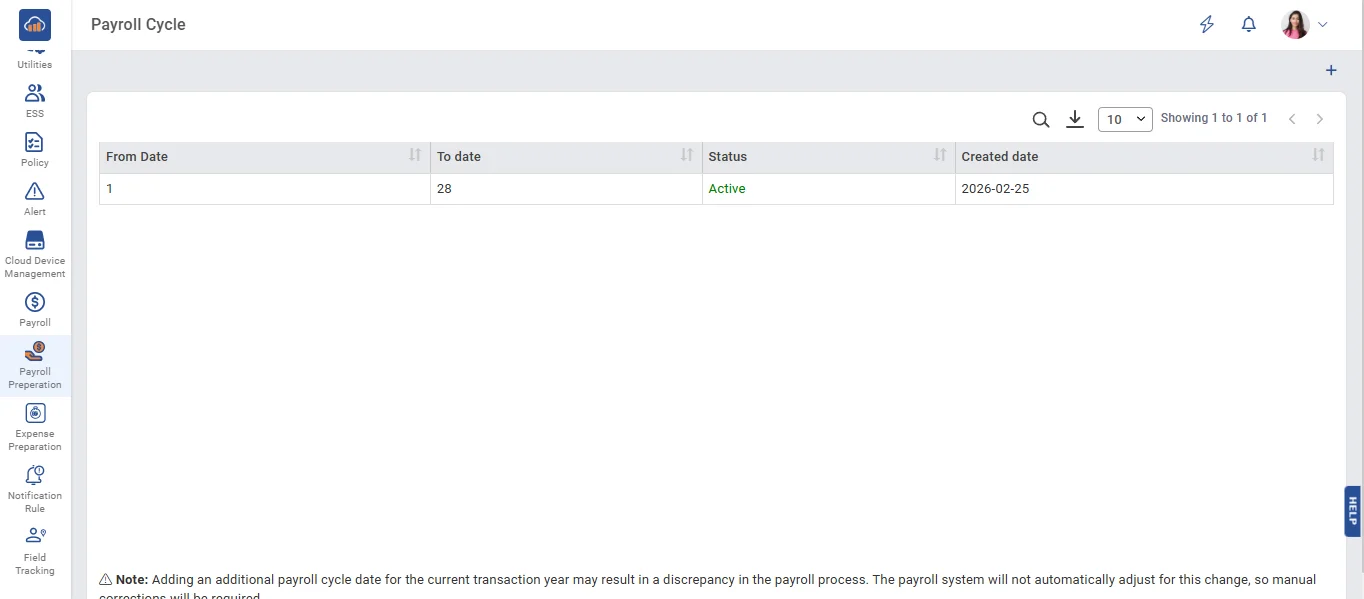
• Using this payroll cycle, HR can set the payroll schedule based on our company's needs, and the payroll will be run according to that cycle.
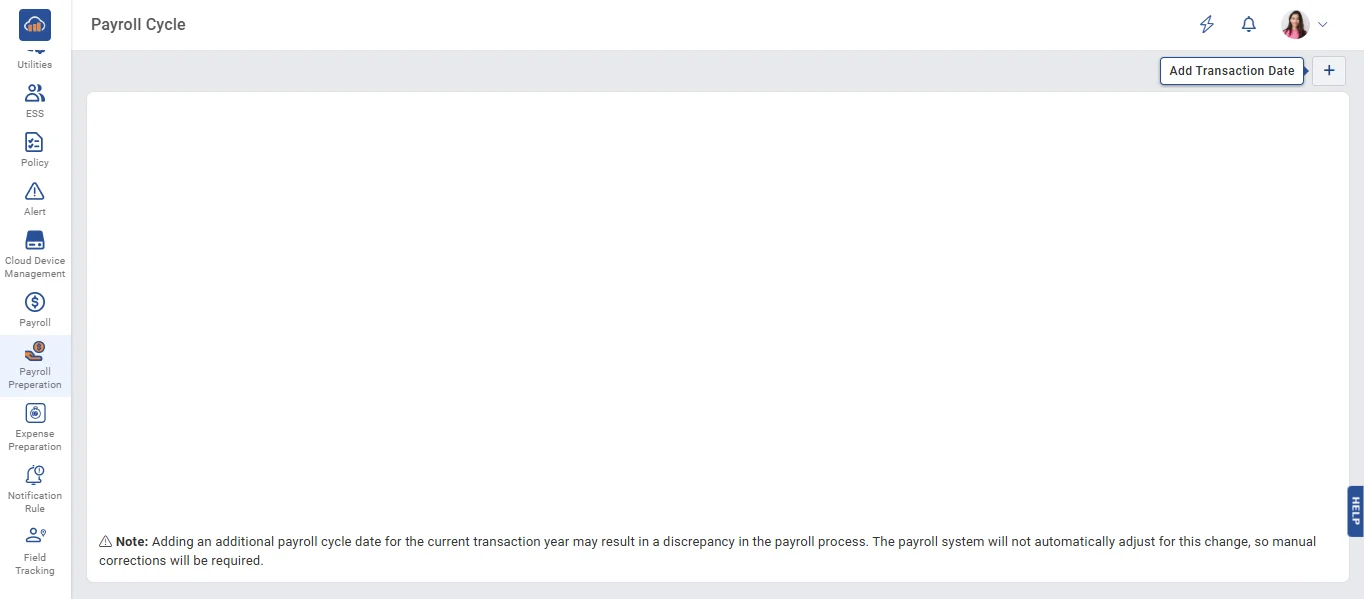
• Click the '+ Add' button to add data on the Payroll Cycle page.
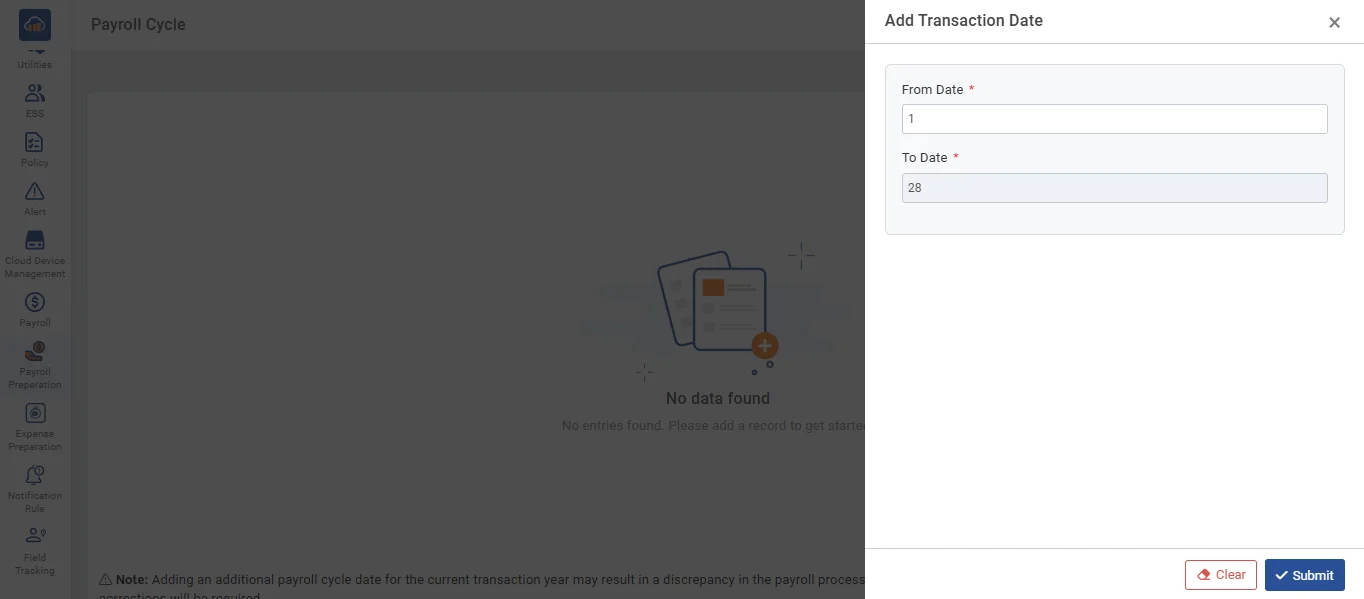
• On the Payroll Cycle page, enter the 'From' date, and the 'To' date will auto-fill in the text field. Then, click the 'Submit' button to save the data.
• After clicking the Submit button, the entered data is displayed on the page.