• Click the '+ Add' button under 'Create Increment Policy' to create the data.
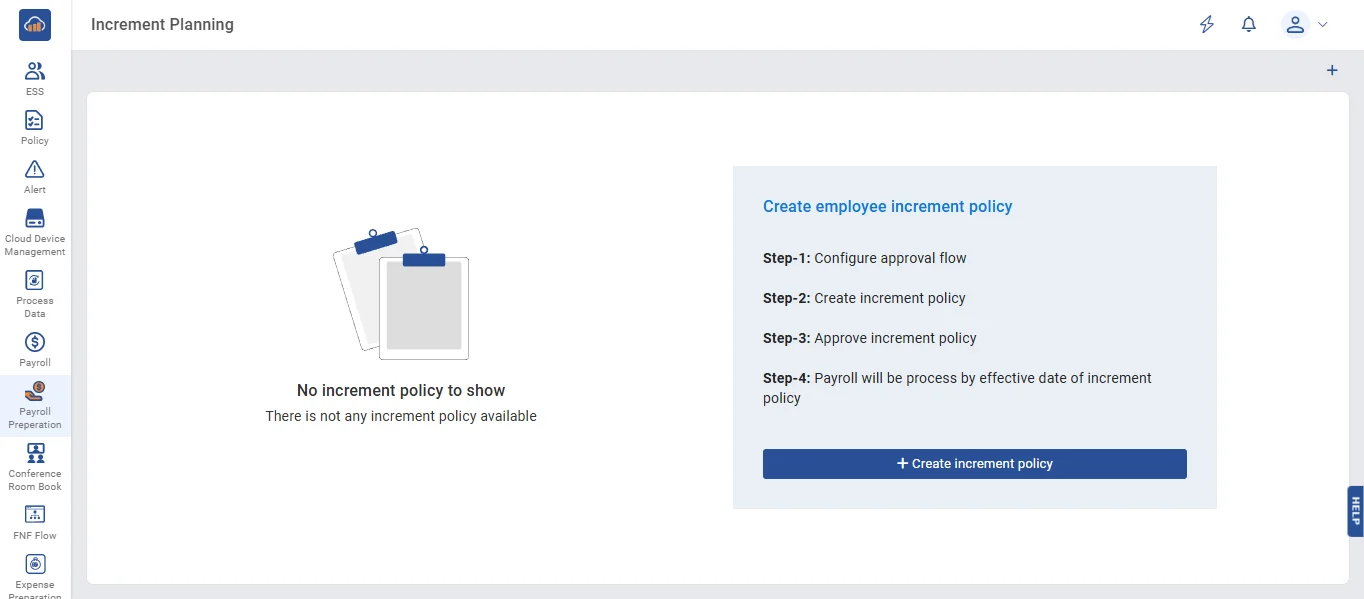
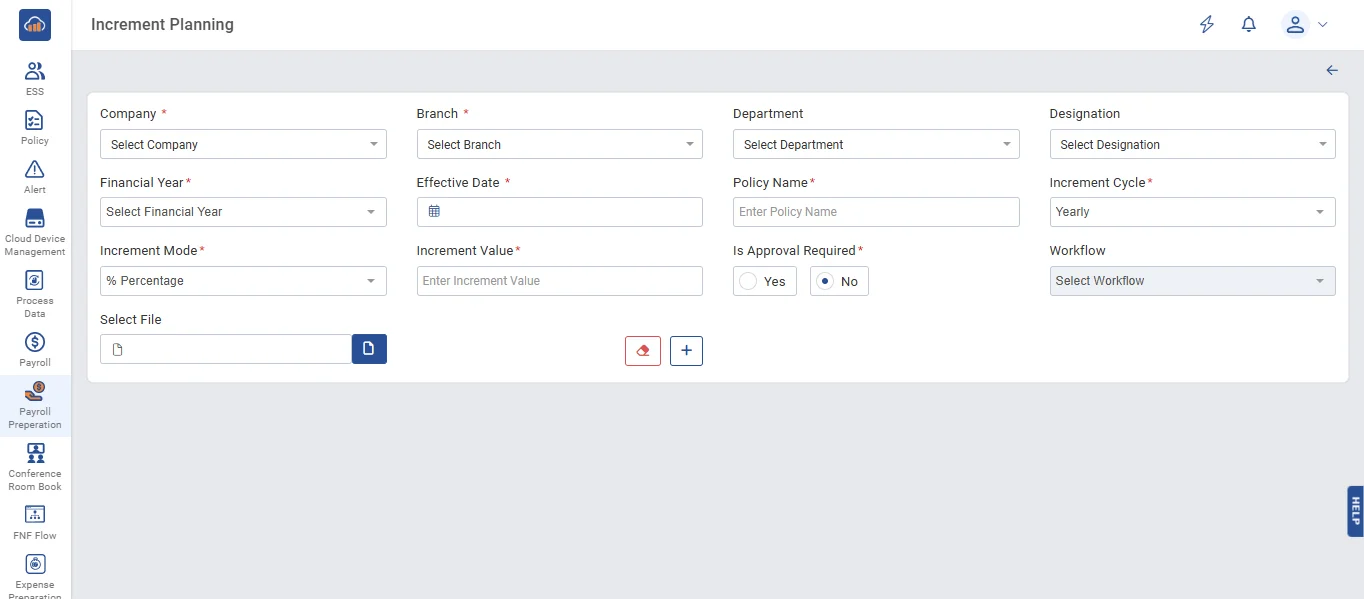
• On the Increment Policy page, fill in all the fields, then click the 'Apply for' button to filter the data.
• When you click the 'Clear' button, all the details in the fields will be cleared
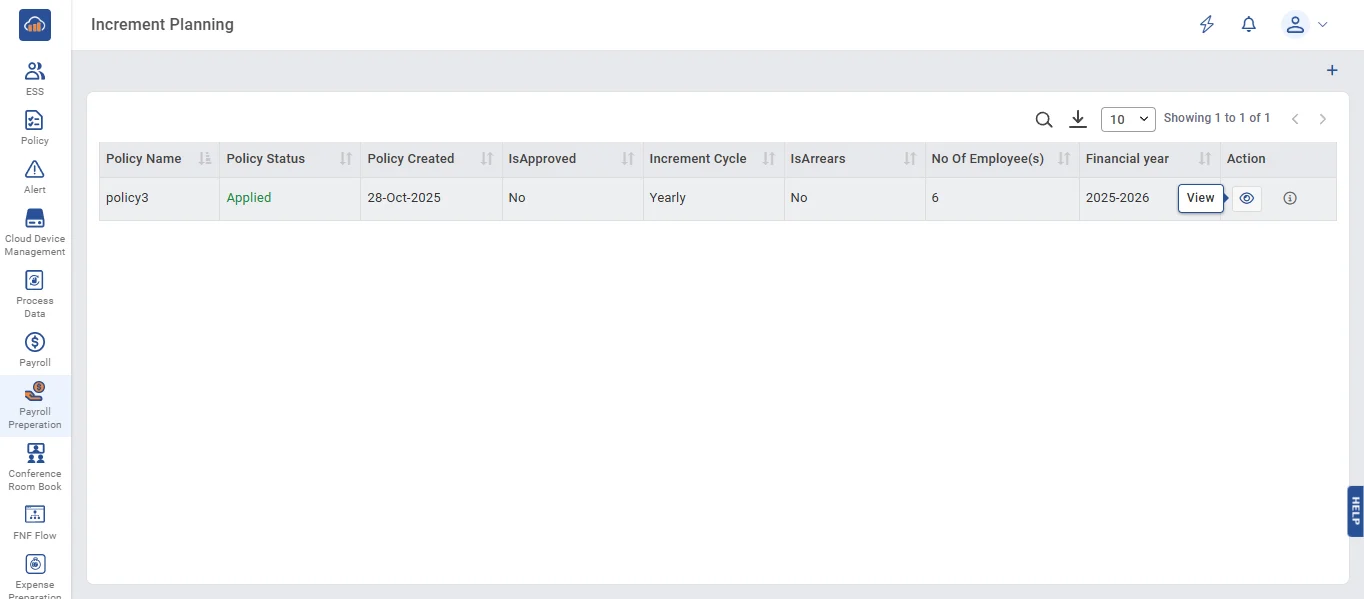
• When you click the 'View' button, you can see all the employees who belong to that policy.
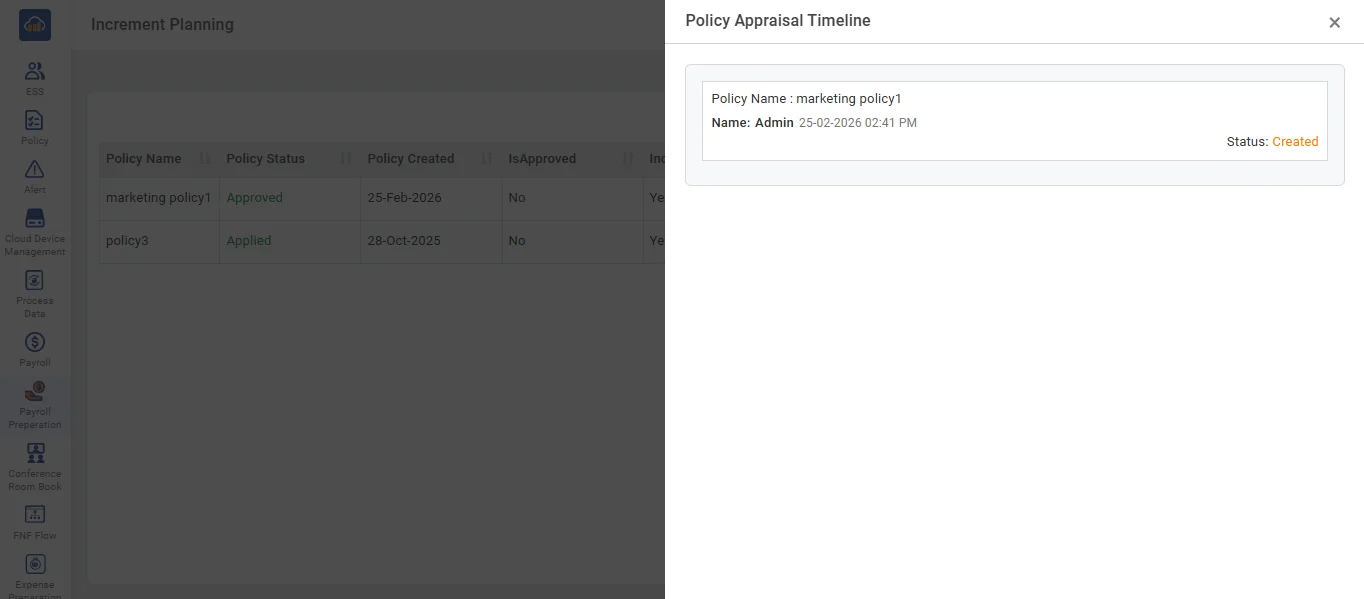
• When you click the 'i' button, you will see all the details of the approval flow.
• On the Increment Planning page, when you click the 'Send for Approval' button, all employee requests are sent to higher authorities for approval.
• When you click the 'Edit' button, update the data you want to change.
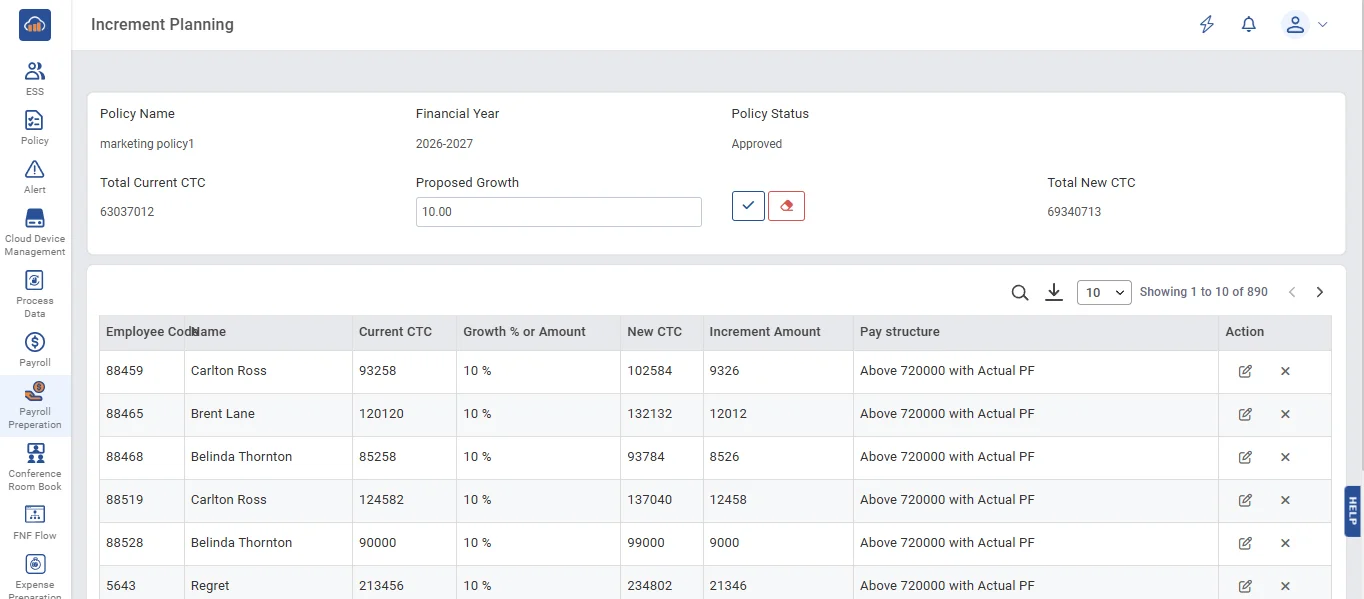
• In the edit page, enter the amount in the fields, then click the 'Apply' button to update the data in the grid.
• When you click the 'Close' button, the data will be deleted from the grid.