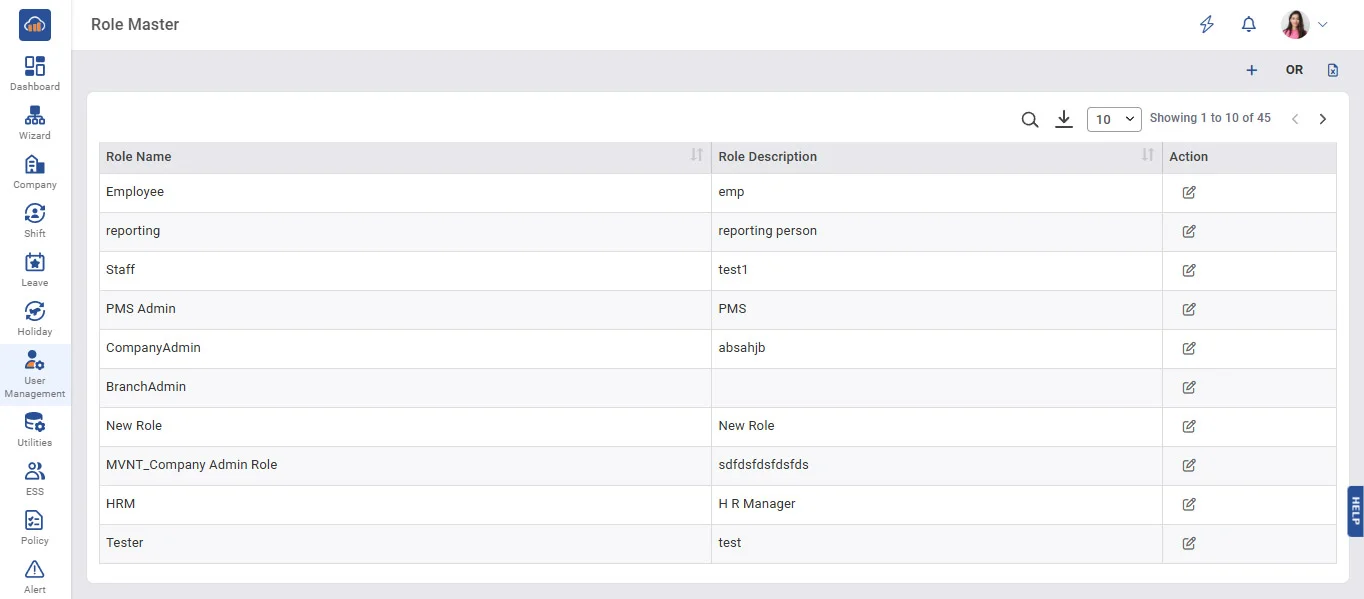
Above image shows view of Role Master.
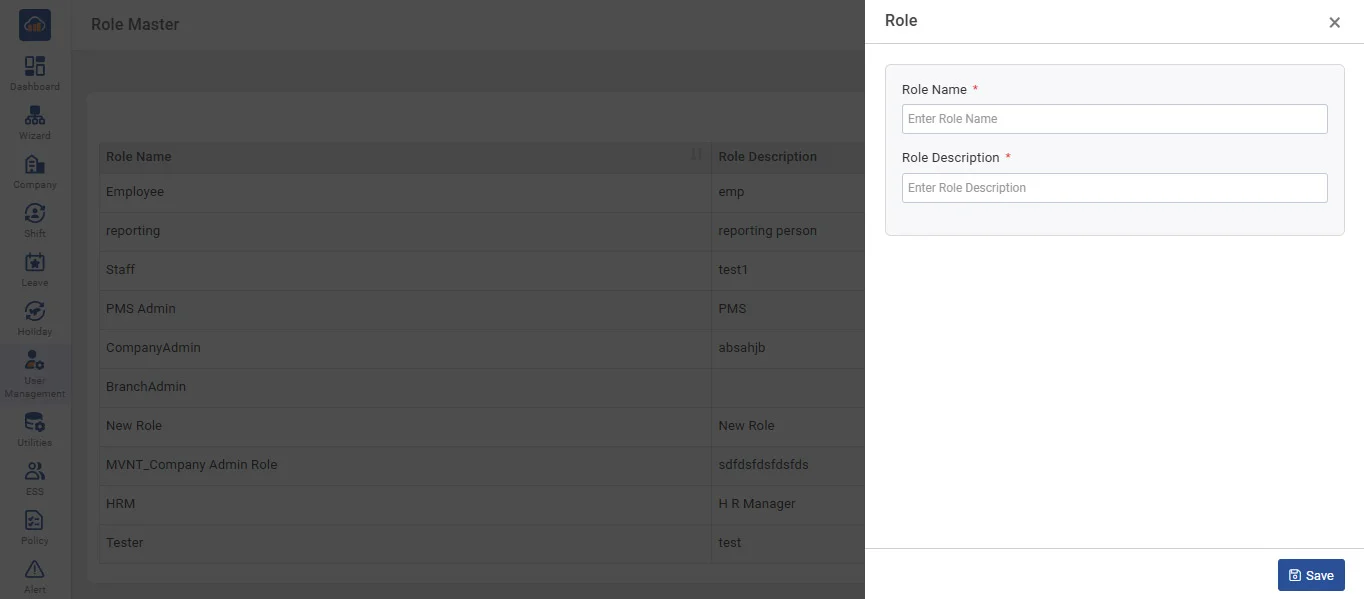
Above image shows modal when you click on '+ Add Role'.
• To add a new role, click on 'Add Role', enter the Role Name, and click on 'Save'.
• Users assigned the above role will have access to the companies selected on the above screen.
• The grid displays all roles that have already been entered by you.
• You can edit role entries by clicking on the 'Edit' button.